iPhone Duo eSIM and Carrier Compatibility in the US, Canada, and UK
How to check eSIM support, transfer your number, prepare for travel, and avoid activation surprises before moving to iPhone Duo.
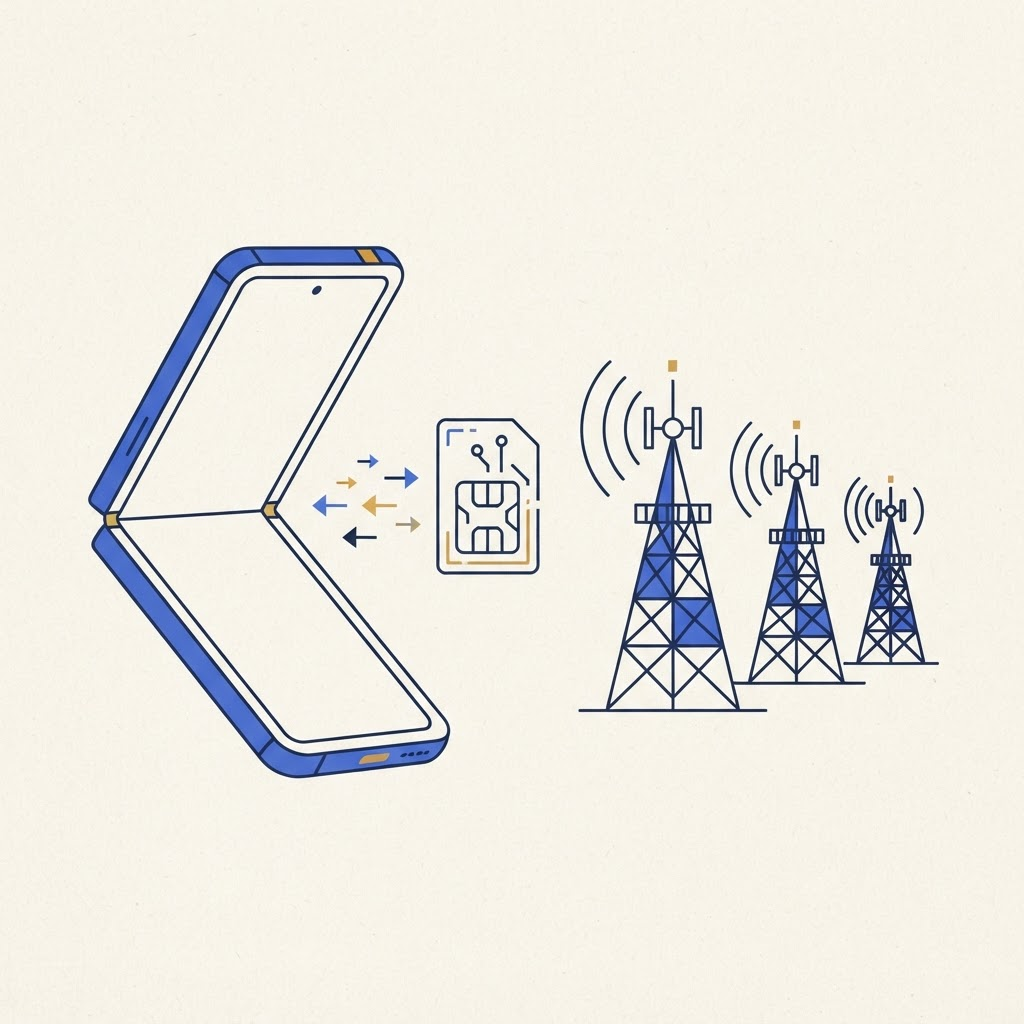
Before you erase your old phone
Verify that number transfer and eSIM activation are enabled. Business, prepaid and older plans sometimes follow different rules. Keep the old phone powered on, connected to Wi-Fi and signed in until calls and messages work on Duo.
Our complete setup checklist covers backups, passwords and authentication apps before migration.
US, Canadian and UK differences
Large carriers broadly support eSIM, but smaller brands may require an app, QR code or customer-service activation. A carrier using a major network does not guarantee identical procedures. Ask whether your current plan can move between iPhones without replacement.
Travelers should save support details offline. If transfer fails abroad, receiving bank codes can become difficult. Consider installing travel data before departure while keeping the home line active.
Dual-line use
Duo can handle a personal and work line, or home service plus travel data. Label each clearly and review which line handles data, iMessage and outgoing calls. Test both while the old device remains available.
If you are still deciding whether the form factor fits you, read is iPhone Duo worth it?. Then visit our Duo guides for current advice.
Back up the old iPhone, know the carrier PIN, keep Wi-Fi available, and do not wipe anything until calls, SMS and mobile data have all been tested.
From the maker
Get PromptSlate Studio on the App Store
Write, prompt and record in one focused workspace. Out now — $9.99 one-time, no subscription. Every download supports independent development of new apps.
See PromptSlate Studio details · Also in the works: DuoSketch
Spotted something to fix, or an app we should cover?
This article is independent research, cross-checked against Apple's developer documentation. If something's out of date, or you know an app that deserves a look, let us know — and if you're building for iPhone Duo yourself, we're happy to talk.
hola@ayudantedigital.es