Should You Update an Existing iPhone App for iPhone Duo?
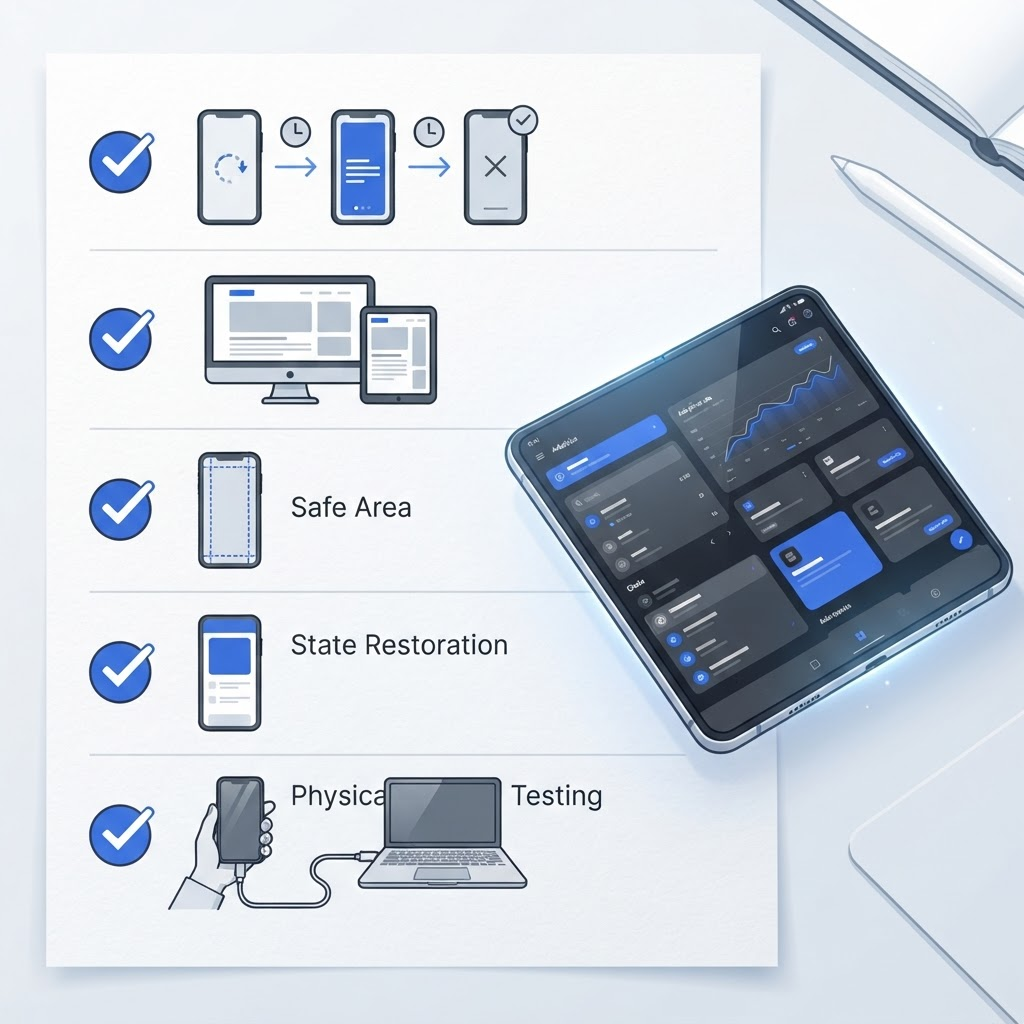
Most apps do not need a rewrite. They do need an audit for scene lifecycle, adaptive layout, safe areas, state preservation, and hardware validation.

Yes—if the app is active—but “update” should mean audit and targeted adaptation, not a rewrite. Standard SwiftUI and UIKit containers already carry useful semantics. The highest-risk apps are those that encode one screen size, one orientation, or one global window.
Start with a compatibility run
Build the current branch in Xcode 27.1 beta and launch it in the Duo Simulator before changing code. Record failures by state: launch, closed, open, rotation, live resize, background, and restoration.
Apple reference: Xcode 27.1 beta release notes · Running on simulated or physical devices
Audit the scene lifecycle
UIKit has delivered scene-specific lifecycle events since iOS 13. A scene represents one instance of your app UI and can have its own foreground state. Avoid storing view state only in a global app delegate or assuming a single window.
Apple reference: Managing your app’s life cycle · UIScene
Replace device checks with available-space decisions
Do not ask “is this iPhone Duo?” to choose a layout. Let containers respond to proposed size, size classes, and safe areas. In SwiftUI, tools such as ViewThatFits and AnyLayout can switch presentation without destroying child state.
Apple reference: ViewThatFits · AnyLayout · Designing for iPhone Duo
Preserve user context during change
A geometry transition must not discard typed text, selection, playback position, navigation path, or an in-progress transaction. Keep domain state above transient layout branches and test background/foreground events for each active scene.
Apple reference: Preparing your UI for the foreground · Managing your app’s life cycle
Prioritize by app risk
Update immediately if core screens clip, block interaction, lose state, or rely on cameras and sensors. Schedule refinement if the app works but wastes space. Document “no code change required” when system components already adapt correctly; that is a valid result when backed by tests.
Apple reference: Get ready for iPhone Duo · Testing your apps in Xcode
Finish on hardware
Simulator evidence is not final evidence for performance, memory, network, graphics, color, cameras, motion, Bluetooth, ergonomics, or touch. Retest those areas on physical iPhone Duo hardware when available.
Apple reference: Testing in Simulator versus hardware
Bottom line
Update an existing app when evidence shows a compatibility or experience gap. Start with tests, retain standard containers, remove fixed assumptions, preserve state, and avoid a costly rewrite whose only rationale is a new device name.
Spotted something to fix, or an app we should cover?
This article is independent research, cross-checked against Apple's developer documentation. If something's out of date, or you know an app that deserves a look, let us know — and if you're building for iPhone Duo yourself, we're happy to talk.
hola@ayudantedigital.es