UIKit and UIScene on iPhone Duo: Modernize Before You Add Foldable Features
Why scene lifecycle, traits, safe areas, state restoration, and window assumptions come before hinge-specific code.
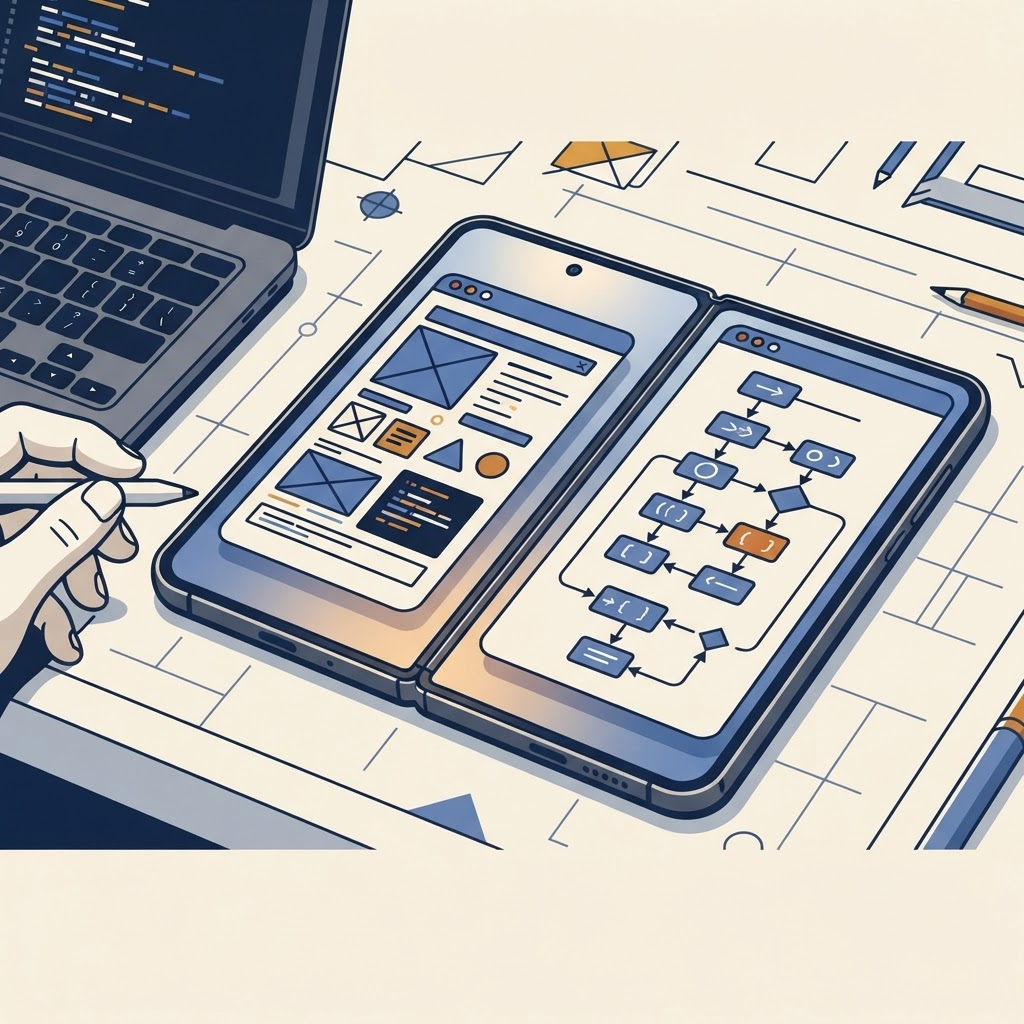
Make scenes the unit of UI
Move window-specific setup and state into the scene lifecycle. Avoid global screen bounds as a layout source. A scene’s coordinate space, safe area and trait collection describe what the interface can use now.
Our migration guide provides the broader audit, while the multiple-window guide covers explicit activation.
Respond to traits carefully
Use Auto Layout and trait changes for meaningful adaptations. Do not scatter checks for a model identifier or hinge state through controllers. Centralize layout decisions and keep content state separate.
Restore real work
Test what happens when a scene disconnects while the user is composing, selecting or editing. Restoration should protect the task, not only reopen the right tab. Keyboard focus and presented controllers deserve tests too.
Respect safe regions
Place content using system geometry rather than hard-coded offsets around an imagined fold. If using hinge APIs, limit them to experiences where angle adds value; see our hinge guide.
Modernizing UIScene behavior removes assumptions most likely to break when usable space changes. Start there before adding device-specific polish.
From the maker
Get PromptSlate Studio on the App Store
Write, prompt and record in one focused workspace. Out now — $9.99 one-time, no subscription. Every download supports independent development of new apps.
See PromptSlate Studio details · Also in the works: DuoSketch
Spotted something to fix, or an app we should cover?
This article is independent research, cross-checked against Apple's developer documentation. If something's out of date, or you know an app that deserves a look, let us know — and if you're building for iPhone Duo yourself, we're happy to talk.
hola@ayudantedigital.es