10 best apps for students on iPhone Duo
The 10 best apps for students on iPhone Duo: notes, flashcards, math help, focus timers and presentations, with what is free and what is paid.
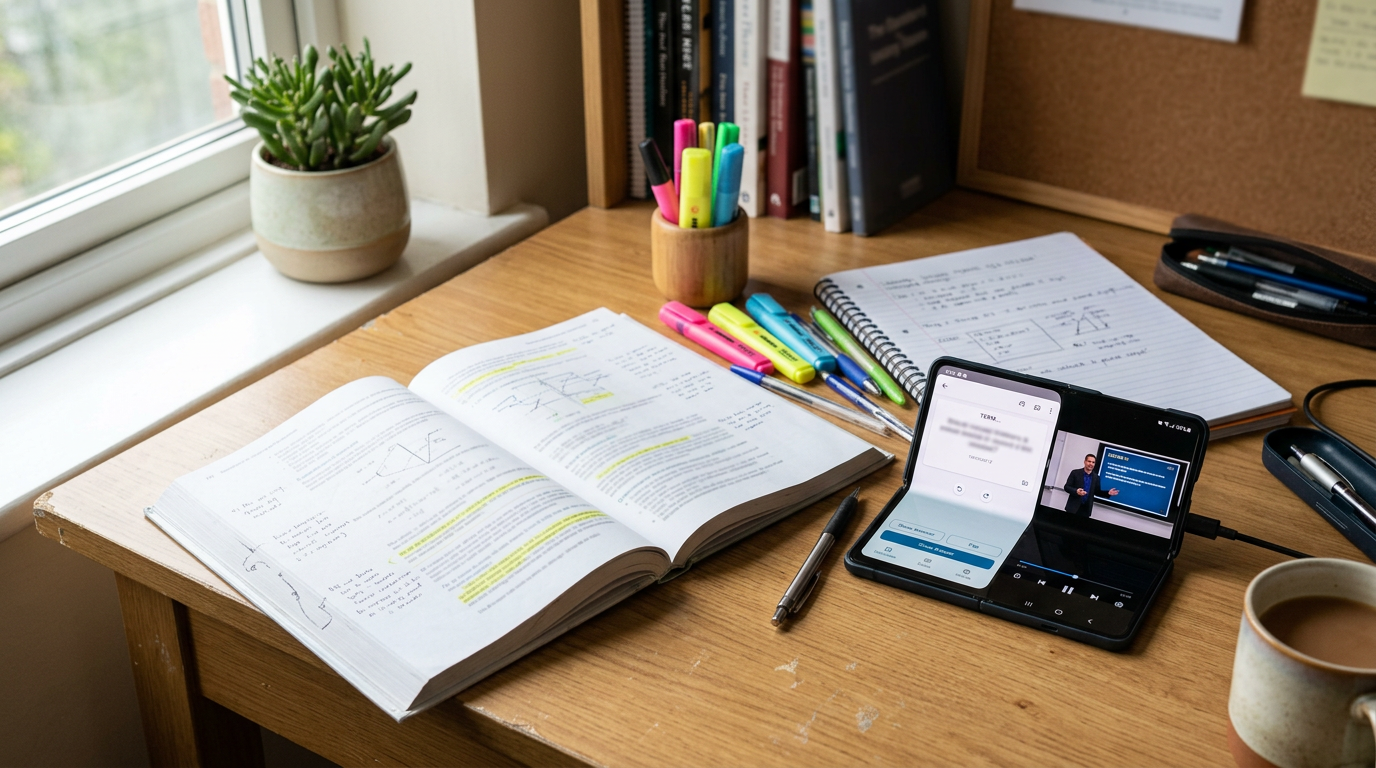
The iPhone Duo will not replace a laptop, but with the inner display open it gets close enough for reading, flashcards and notes between classes. These 10 apps cover a full study setup, and most of them are free or have a student-friendly free tier.
How well a third-party app uses the Duo's 7.6-inch inner display depends on whether its developer has updated the layout for the fold. Apps that are not updated can show black bars in Split View. For the screen sizes involved, see our screen size guide.
1. Notability: best for lecture notes with audio
Notability records the lecture while you take notes, and links each note to that moment in the recording. It has a free tier and a subscription. More options in our note-taking list.
2. Anki (AnkiMobile): best for remembering everything
Anki uses spaced repetition to show you each flashcard just before you would forget it. The desktop and web versions are free, and the iPhone app, AnkiMobile, is a one-time purchase that funds development.
3. Quizlet: best for ready-made flashcards
Quizlet has millions of flashcard sets made by other students, plus practice tests. The free version has ads and some limits.
4. PromptSlate Studio: best for rehearsing presentations
Our app. Class presentations and video assignments are where PromptSlate Studio helps students. Write your talk, then record a practice run with your notes scrolling beside the camera, and watch it back before the real thing. The teleprompter can follow your voice, so you do not have to set a speed. It is in final development for iOS 27.1 and will be a $9.99 one-time purchase, with no subscription. More options in our presentation apps list.
See PromptSlate Studio for iPhone Duo
5. Photomath: best for step-by-step math
Point the camera at a problem and Photomath shows the steps to solve it. Use it to check your work, not to skip it. Core features are free.
6. Khan Academy: best for free lessons
Khan Academy is free, with videos and practice in math, science, economics and more.
7. Forest: best for staying off your phone
Forest grows a virtual tree while you focus, and the tree dies if you leave the app. It is a paid app on iPhone. Apple's built-in Focus modes are a free alternative.
8. Google Docs: best for group projects
Free, with real-time collaboration and comments. Split View on the inner display lets you keep the document next to your sources.
9. Microsoft 365: best for Word, Excel and PowerPoint
Many schools give students free access to Microsoft 365. The combined Microsoft 365 app opens Word, Excel and PowerPoint files.
10. Duolingo: best for language classes
Duolingo's free version includes the full course with ads. It works well as daily practice alongside a class.
The bottom line
A lean student kit is Notability or Apple Notes, Anki or Quizlet, Khan Academy and Google Docs, with Forest or a Focus mode to protect your study time.
More iPhone Duo app guides
From the maker
Get PromptSlate Studio on the App Store
Write, prompt and record in one focused workspace. Out now — $9.99 one-time, no subscription. Every download supports independent development of new apps.
See PromptSlate Studio details · Also in the works: DuoSketch
Spotted something to fix, or an app we should cover?
This article is independent research, cross-checked against Apple's developer documentation. If something's out of date, or you know an app that deserves a look, let us know — and if you're building for iPhone Duo yourself, we're happy to talk.
hola@ayudantedigital.es