15 best free apps for iPhone Duo in 2026
The 15 best free apps for iPhone Duo, from cameras and editors to notes, maps and AI, plus which ones hide the important features behind a paywall.
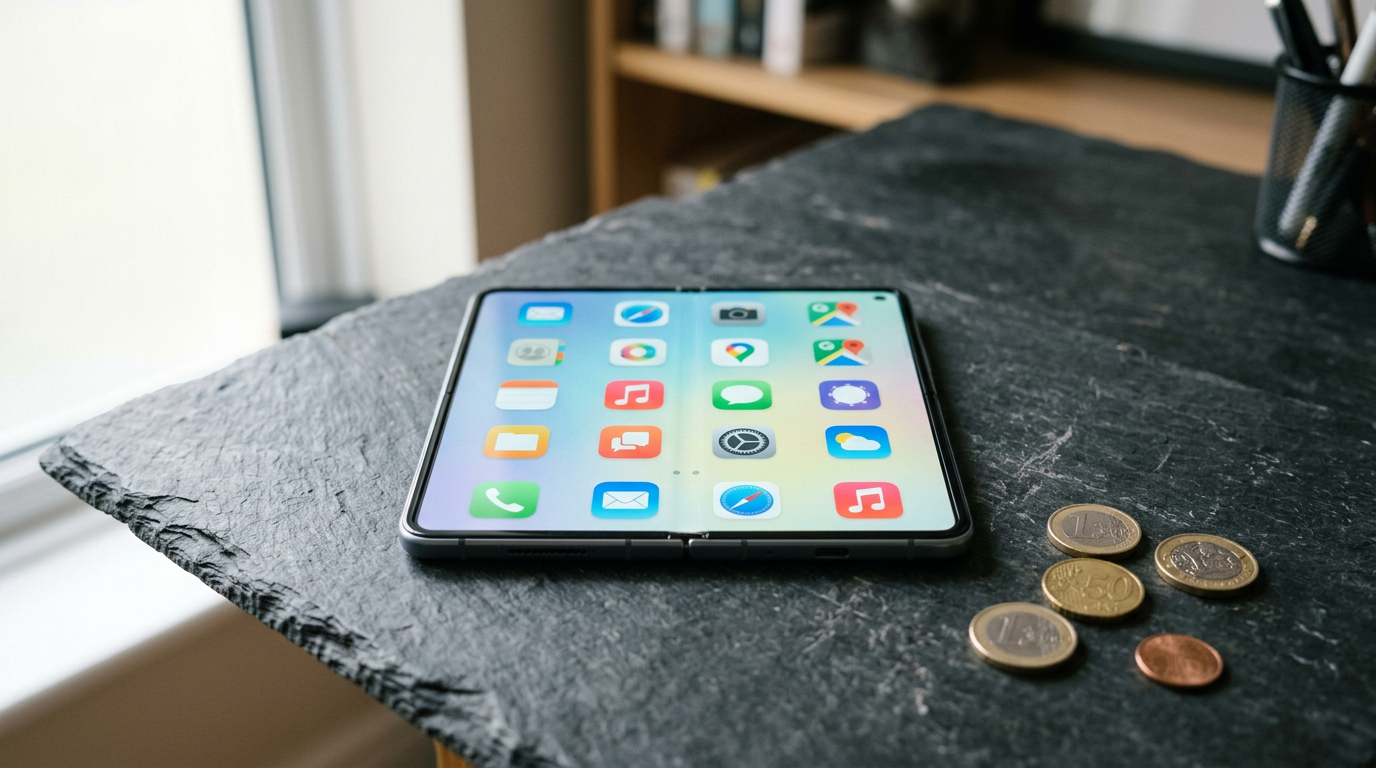
You do not need to spend money to get a lot out of an iPhone Duo. Every app below has a free version that is genuinely useful, not just a trial. Where a paid tier exists, we say what it adds, so you know what you are missing.
How well a third-party app uses the Duo's 7.6-inch inner display depends on whether its developer has updated the layout for the fold. Apps that are not updated can show black bars in Split View. For the screen sizes involved, see our screen size guide.
1. Blackmagic Camera: best for pro video
A free camera app with cinema-style manual controls: shutter angle, ISO, white balance, focus, and Apple Log and ProRes on supported iPhones. There is no paid tier. It is the top pick in our camera app list.
2. PromptSlate Studio: best for recording yourself to camera
Our app, and the only paid one in this list. We include it because nothing free does the same job on the fold. PromptSlate Studio keeps your script, the camera preview, recording controls and a teleprompter on one screen, and the layout changes for the expanded, tabletop and compact postures. It is in final development for iOS 27.1 and will be a $9.99 one-time purchase, with no subscription.
See PromptSlate Studio for iPhone Duo
3. Adobe Premiere: best for video editing
Adobe's mobile Premiere gives you a multitrack timeline and exports with no watermark. Some premium features need a subscription, but the core editor is free.
4. VN Video Editor: best for a lighter video editor
VN is a free editor with keyframes, speed curves and no watermark. It is easier to learn than Premiere and good for vlogs and shorts.
5. Snapseed: best for photo editing
Google's Snapseed is fully free, with precise selective adjustments, healing and RAW editing. It has not changed much in years, but it still does the job well.
6. Notion: best for notes and planning
Notion's free plan covers personal use: notes, databases, to-do lists and boards. Tables that are cramped on a normal phone become usable on the inner display.
7. Obsidian: best for private notes
Obsidian is free for personal use and stores notes as Markdown files on your device. You only pay if you want its Sync service.
8. Freeform: best for brainstorming
Apple's Freeform is an endless canvas for sketches, sticky notes, images and links. It is built in, syncs with iCloud and has plenty of room on the Duo's inner screen.
9. ChatGPT: best for an AI assistant
The free tier of ChatGPT handles writing, questions, photos and voice conversations, with usage limits. A paid plan raises the limits. More in our AI apps list.
10. Google Maps: best for navigation
Free, with offline maps, transit and Street View. On the inner display, the map and directions list fit side by side.
11. Libby: best for free ebooks and audiobooks
Libby borrows ebooks and audiobooks from your public library with a library card. The inner display is close to the size of a paperback page.
12. Pocket Casts: best for podcasts
Pocket Casts is free, with a Plus subscription for extras such as cloud file storage and themes. See our podcast apps list for alternatives.
13. Bitwarden: best for passwords
Bitwarden's free plan includes unlimited passwords across unlimited devices. Apple's built-in Passwords app is also free if you only use Apple devices.
14. Duolingo: best for learning a language
Duolingo's free version has the full course with ads and a limited number of mistakes. The paid tier removes those limits.
15. Larix Broadcaster: best for live streaming
A free streaming app that supports RTMP and SRT, aimed at people who already have a streaming setup. More in our live streaming list.
The bottom line
Start with the camera, editing and notes apps, because those benefit most from the bigger screen. If you will be filming yourself, the free camera apps above handle the image, and our teleprompter list covers the script.
More iPhone Duo app guides
From the maker
Get PromptSlate Studio on the App Store
Write, prompt and record in one focused workspace. Out now — $9.99 one-time, no subscription. Every download supports independent development of new apps.
See PromptSlate Studio details · Also in the works: DuoSketch
Spotted something to fix, or an app we should cover?
This article is independent research, cross-checked against Apple's developer documentation. If something's out of date, or you know an app that deserves a look, let us know — and if you're building for iPhone Duo yourself, we're happy to talk.
hola@ayudantedigital.es