How to connect iPhone Duo to a monitor or TV
USB-C with DisplayPort, AirPlay and the right cable: how to get iPhone Duo on a bigger screen at up to 4K HDR.
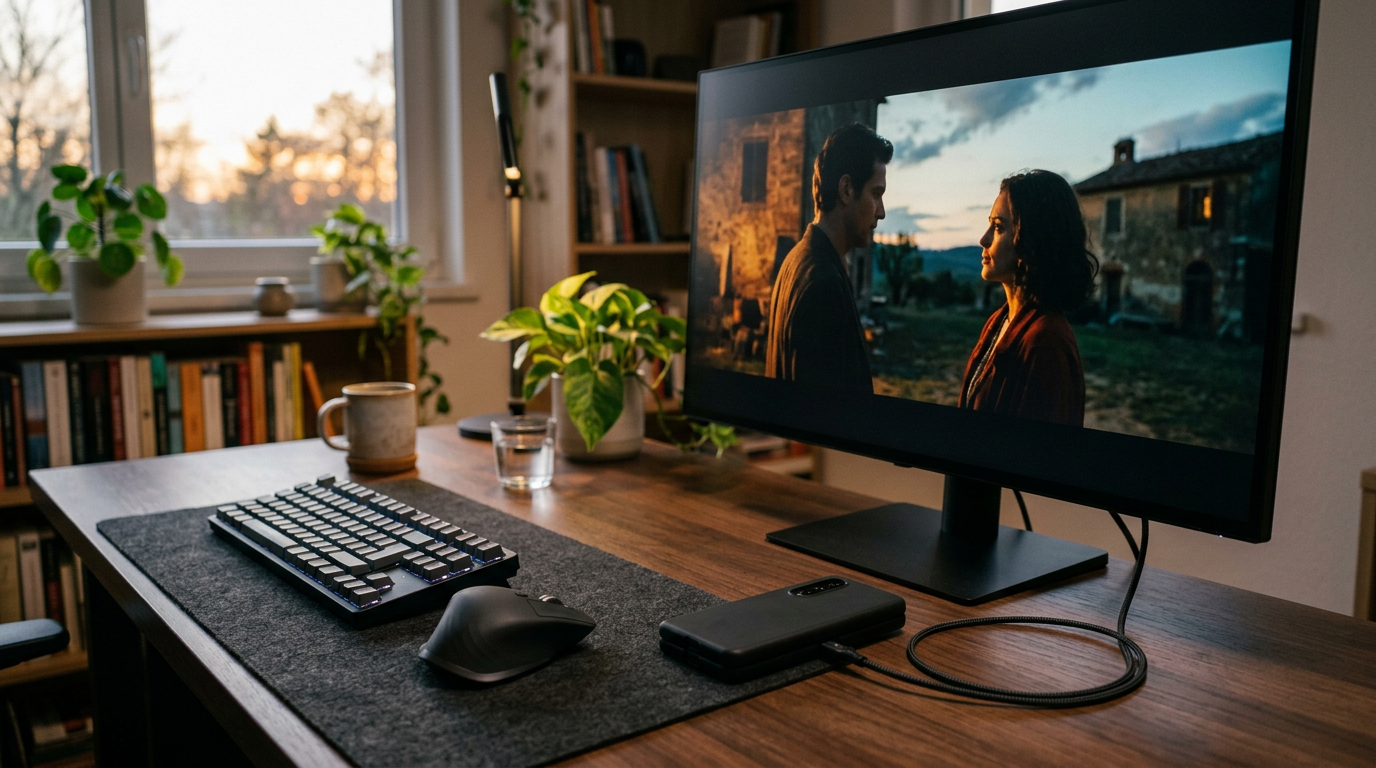
iPhone Duo's USB-C port does more than charge. Apple lists DisplayPort support and USB 3 speeds up to 10Gb/s, which means you can mirror or output video to a monitor or TV.
Option 1: USB-C to a monitor
Apple specifies video mirroring and video out up to 4K HDR through native DisplayPort output over USB-C.
- Use a USB-C monitor that accepts DisplayPort over USB-C, or a USB-C to DisplayPort/HDMI cable.
- Plug it into iPhone Duo.
- The screen mirrors automatically, or the app shows video full screen.
Option 2: USB-C Digital AV Adapter
For TVs with HDMI, Apple lists the USB-C Digital AV Adapter (model A2119, sold separately). It also gives you a pass-through port to charge at the same time.
Option 3: AirPlay, no cables
Up to 4K HDR AirPlay works for mirroring, photos and video to Apple TV (2nd generation or later) or AirPlay-enabled smart TVs. This is the easiest option on the couch.
Tips for a better setup
- Use a USB 3 cable if you also plan to transfer files. Basic charging cables are often limited to USB 2 speeds.
- Charge while you present. Read our charging guide for the right adapter.
- Keep the inner display for notes while the external screen shows your content.
Supported formats
HEVC, H.264 and AV1 video, with HDR in Dolby Vision, HDR10+/HDR10 and HLG. For wireless specs see our Wi-Fi 7 and connectivity guide.
Recording on iPhone Duo? Try PromptSlate Studio
Presenting or recording a talk? PromptSlate Studio keeps your notes on the Duo while you face the camera or the room. See PromptSlate Studio for iPhone Duo.
Related iPhone Duo guides
From the maker
Get PromptSlate Studio on the App Store
Write, prompt and record in one focused workspace. Out now — $9.99 one-time, no subscription. Every download supports independent development of new apps.
See PromptSlate Studio details · Also in the works: DuoSketch
Spotted something to fix, or an app we should cover?
This article is independent research, cross-checked against Apple's developer documentation. If something's out of date, or you know an app that deserves a look, let us know — and if you're building for iPhone Duo yourself, we're happy to talk.
hola@ayudantedigital.es