Apple Intelligence photo editing on iPhone Duo: Clean Up, Extend and Spatial Reframing
How to use Clean Up, Extend, Spatial Reframing and Photographic Styles 3 on iPhone Duo's big inner display.
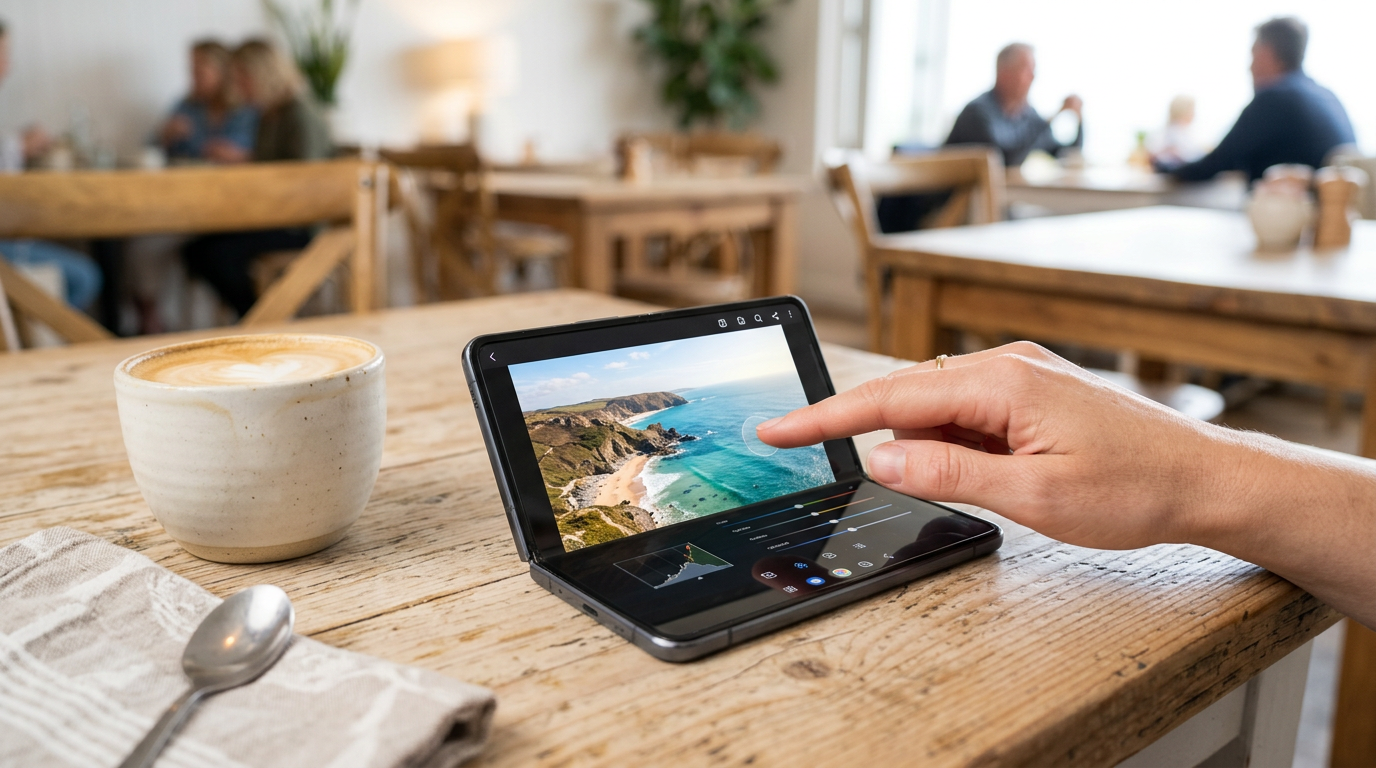
A 7.6-inch screen is the best thing that can happen to phone photo editing. iPhone Duo pairs it with new Apple Intelligence tools. Usage limits may apply.
Clean Up
Remove even larger objects with higher-quality infill, and blend the background so the edit does not show. Open a photo, tap Edit, choose Clean Up and brush over what you want gone.
Extend
Expand your shot beyond its original edges. Useful when a photo is cropped too tight for a vertical story or a wide banner.
Spatial Reframing
Reframe a photo after you have taken it. Think of it as recomposing the shot later instead of only cropping.
Photographic Styles 3
Beyond tone and color, you can now customize texture and grain, to smooth skin details or get a film look while staying true to the original photo.
Why edit on the inner display
- More pixels to judge detail: 1878 x 2670 at 430 ppi.
- Split View: your photo library on one side, Mail or Messages on the other, so you can drag a picture across.
- Apple Pencil (USB-C) support for precise selections.
Read our screen guide for the display details.
A quick editing workflow
- Shoot in 48MP on the Fusion Main for maximum detail.
- Open the photo on the inner display and apply Clean Up first.
- Use Spatial Reframing or Extend to fix composition.
- Finish with a Photographic Style.
For capture tips see our camera tricks guide and Dual Capture.
Recording on iPhone Duo? Try PromptSlate Studio
Editing photos for a post? If the post is a video, PromptSlate Studio handles the other half: script, teleprompter and recording in one place. See PromptSlate Studio for iPhone Duo.
Related iPhone Duo guides
From the maker
Get PromptSlate Studio on the App Store
Write, prompt and record in one focused workspace. Out now — $9.99 one-time, no subscription. Every download supports independent development of new apps.
See PromptSlate Studio details · Also in the works: DuoSketch
Spotted something to fix, or an app we should cover?
This article is independent research, cross-checked against Apple's developer documentation. If something's out of date, or you know an app that deserves a look, let us know — and if you're building for iPhone Duo yourself, we're happy to talk.
hola@ayudantedigital.es