iPhone Duo setup for YouTube and TikTok creators
A complete, tripod-free creator setup on iPhone Duo: poses, camera settings, audio, scripts and the apps that tie it together.
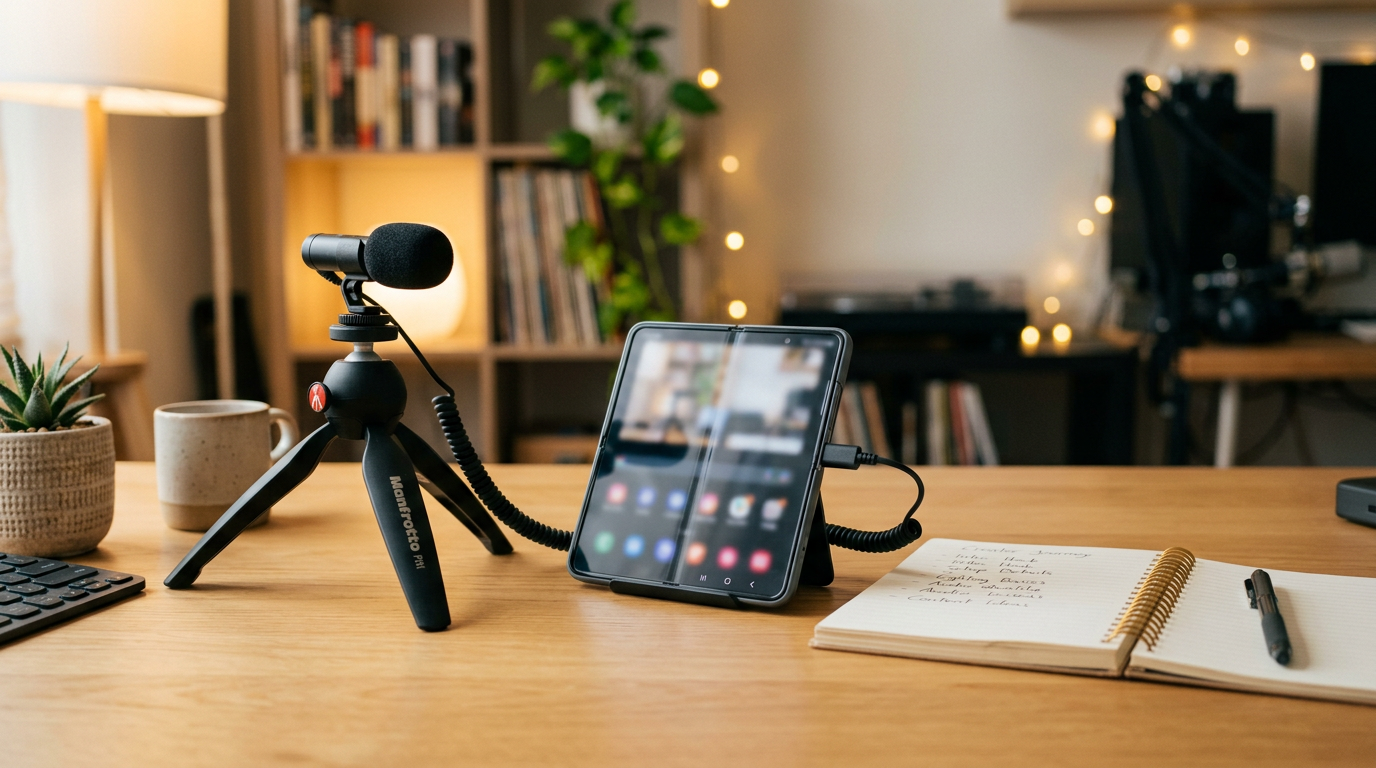
iPhone Duo might be the best creator phone Apple has made, not because of one spec but because it replaces a tripod, a monitor and a teleprompter. Here is a complete setup.
1. Use the poses
- Tabletop (half-folded): the phone stands on its own for talking-head videos.
- Expanded: edit, review and write scripts on the 7.6-inch screen.
- Compact (closed): quick clips and replies on the 5.4-inch outer display.
For more on poses, read our outer vs inner display habits guide.
2. Use the best camera
Film yourself with the 48MP rear Fusion Main and use Duo Preview on the outer display to see your framing. Full steps in our rear camera guide.
3. Pick the right settings
- YouTube: 4K 30 fps.
- TikTok, Reels and Shorts: 4K 60 fps, vertical.
- Reactions: Dual Capture at 4K 30 fps. See Dual Capture.
Details in our video settings guide.
4. Get the audio right
Record close, in a soft room, and use Audio Mix afterward. See our audio guide.
5. Use a script and a teleprompter
Most creators lose the most time to retakes. A teleprompter on iPhone Duo fixes that, and Siri AI can help turn notes into a first draft. See our Siri AI guide.
6. Keep it cool and charged
Long 4K sessions warm any phone. Record in shorter takes and see our overheating tips and the charging guide.
A sample workflow
- Write or paste your script on the inner display.
- Half-fold the phone at eye level, rear camera facing you.
- Record in short sections with the script in view.
- Edit on the inner display and post.
Recording on iPhone Duo? Try PromptSlate Studio
PromptSlate Studio is the app at the center of this setup: write, prompt and record in one focused workspace built for iPhone Duo. Join the launch list to get it first. See PromptSlate Studio for iPhone Duo.
Related iPhone Duo guides
From the maker
Get PromptSlate Studio on the App Store
Write, prompt and record in one focused workspace. Out now — $9.99 one-time, no subscription. Every download supports independent development of new apps.
See PromptSlate Studio details · Also in the works: DuoSketch
Spotted something to fix, or an app we should cover?
This article is independent research, cross-checked against Apple's developer documentation. If something's out of date, or you know an app that deserves a look, let us know — and if you're building for iPhone Duo yourself, we're happy to talk.
hola@ayudantedigital.es