The Two-Screen Personality Test: Are You an Outer or Inner Display Person?
A fun, practical way to decide when iPhone Duo’s compact outer screen or expansive inner display fits your habits, comfort, privacy, and battery priorities.
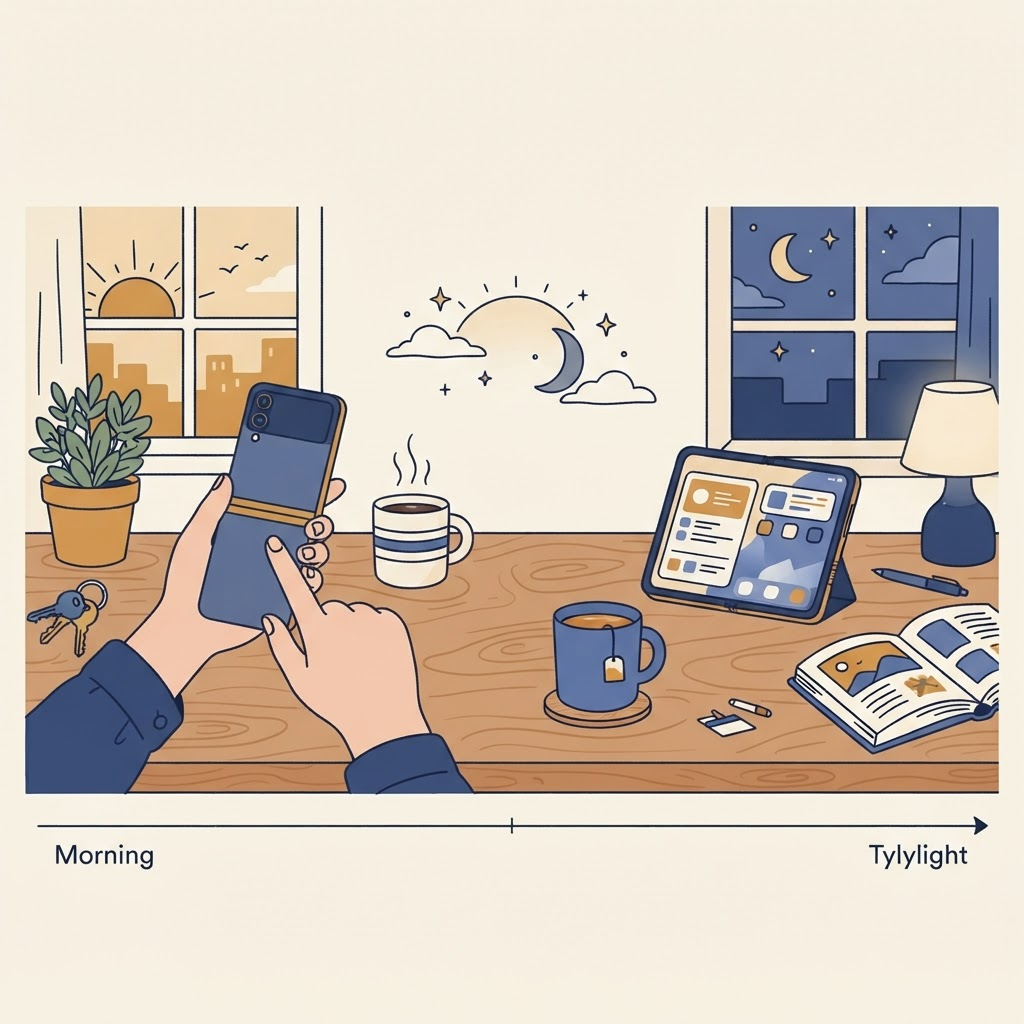
This informal test helps predict your style—and shows where changing it could make the device more useful.
Choose the outer display if…
Give yourself one point for each statement:
- You usually operate your phone with one hand.
- Most sessions last less than a minute.
- You check directions, music, Wallet, or messages while moving.
- You prefer fewer visible distractions.
- You care more about quick access than maximum context.
- You often use your phone in crowded public places.
- You want to limit large-screen battery use.
A high outer score suggests that iPhone Duo will feel like a compact phone with an optional workspace. That can be a healthier pattern than opening it out of habit.
Choose the inner display if…
Give yourself one point for each:
- You read long articles, PDFs, comics, or ebooks.
- You compare information across apps.
- You edit photos, video, documents, or code-related material.
- You frequently switch between an email and calendar.
- You enjoy games that benefit from a larger view.
- You use large text or appreciate more room around controls.
- You often sit down before starting a phone task.
A high inner score means the fold is central to the purchase. Look for apps that reorganize their interface rather than stretching a phone layout.
The posture bonus round
Add a separate point if you regularly:
- make video calls from a desk;
- follow recipes while cooking;
- photograph groups without a photographer;
- watch short videos while eating or working;
- use timers, focus sessions, or a bedside display.
Those habits make tabletop or tent posture valuable even if you are not a heavy inner-display user.
What your result means
Mostly outer: Arrange a focused first page with communication, navigation, audio, camera, and Wallet. Keep widgets glanceable. Open for planned tasks, not every notification.
Mostly inner: Build workflows around pairs of apps and invest time in keyboard shortcuts, drag and drop, reading settings, and window-aware apps. Carry a cleaning cloth and choose a case that remains comfortable when open.
Balanced: You are likely the ideal Duo user. Create simple triggers: closed while standing, open while seated; outer for consumption under one minute, inner for anything requiring comparison or creation.
Posture specialist: A stand-like fold may matter more to you than split-screen multitasking. Test case compatibility and surface stability before buying accessories.
Comfort can overrule the score
The device weighs 8.96 ounces, or roughly 254 grams. Closed, that weight is concentrated in a narrow body. Open, two-handed use spreads it out. Hand size, mobility, grip strength, and case choice can change which mode feels best.
Accessibility settings may also alter the calculation. Larger text can make the outer display feel crowded, while the inner display can provide comfortable spacing. Read our accessibility settings guide for a practical setup.
Privacy changes by screen
The outer display is easier to glance at in public, but also easier for someone nearby to see. The inner display can reveal more content at once. Configure notification previews thoughtfully and avoid opening sensitive side-by-side views in crowded spaces.
Battery changes with behavior
The larger display generally asks more of the battery, especially at high brightness, but screen choice is only one factor. Camera use, gaming, navigation, cellular signal, and background work can dominate. Our battery comparison offers a better test than guessing.
Try a three-day experiment
Day one: stay closed unless a task becomes uncomfortable. Day two: open whenever more space might help. Day three: switch intentionally using your own rule.
Check Screen Time and battery usage, but also write down which day felt calmer and which helped you finish tasks. The best iPhone Duo personality is not the one that uses the fold most. It is the one that turns the fold into a useful decision.
From the maker
Get PromptSlate Studio on the App Store
Write, prompt and record in one focused workspace. Out now — $9.99 one-time, no subscription. Every download supports independent development of new apps.
See PromptSlate Studio details · Also in the works: DuoSketch
Spotted something to fix, or an app we should cover?
This article is independent research, cross-checked against Apple's developer documentation. If something's out of date, or you know an app that deserves a look, let us know — and if you're building for iPhone Duo yourself, we're happy to talk.
hola@ayudantedigital.es