Gaming on iPhone Duo: Controllers, Battery, Heat, and the Inner Display
What the larger display changes for games—and what players should check about aspect ratio, touch controls, heat, and controllers.
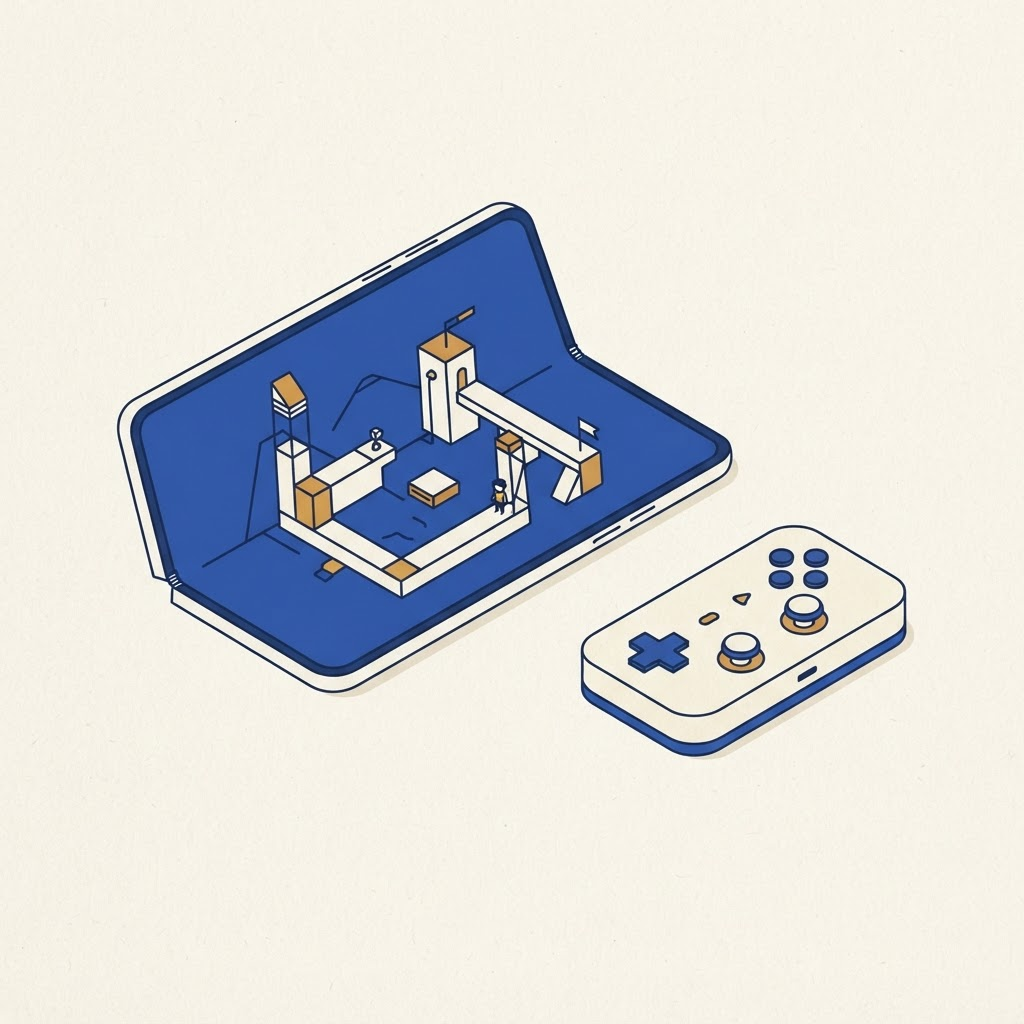
Aspect ratio comes first
Games built for a tall phone may add bars, crop the scene or move controls on a squarer display. A good adaptive game keeps information away from the fold and touch targets away from uncomfortable edges.
Controller or touch
A Bluetooth controller removes many layout problems and lets the phone sit partly open on a stand. Check whether your case supports the angle and whether the game exposes remapping.
Battery and heat
High frame rates, network play and the inner display create sustained load. Avoid charging under a thick case during demanding sessions if the device becomes unusually warm. Our battery guide explains why usage patterns matter.
Choosing games
Look for scalable interfaces, cloud saves and controller support. A game that resumes cleanly after folding is more useful than one with impressive graphics but fragile state.
Browse the app directory and read is iPhone Duo worth it? before buying mainly as a gaming device. We will add hands-on performance findings when repeatable testing is possible.
From the maker
Try DuoCreator on iPhone Duo
Script, camera, and a voice-following teleprompter on the two screens of iPhone Duo. $9.99 one-time at launch. Signing up supports independent development of new apps and technologies for iPhone Duo.
See DuoCreator details · Also in the works: DuoSketch
Spotted something to fix, or an app we should cover?
This article is independent research, cross-checked against Apple's developer documentation. If something's out of date, or you know an app that deserves a look, let us know — and if you're building for iPhone Duo yourself, we're happy to talk.
hola@ayudantedigital.es