6 best apps to record yourself on iPhone Duo
The 6 best apps to record yourself on iPhone Duo, using tabletop posture and the rear cameras for better selfie videos, talks and tutorials.
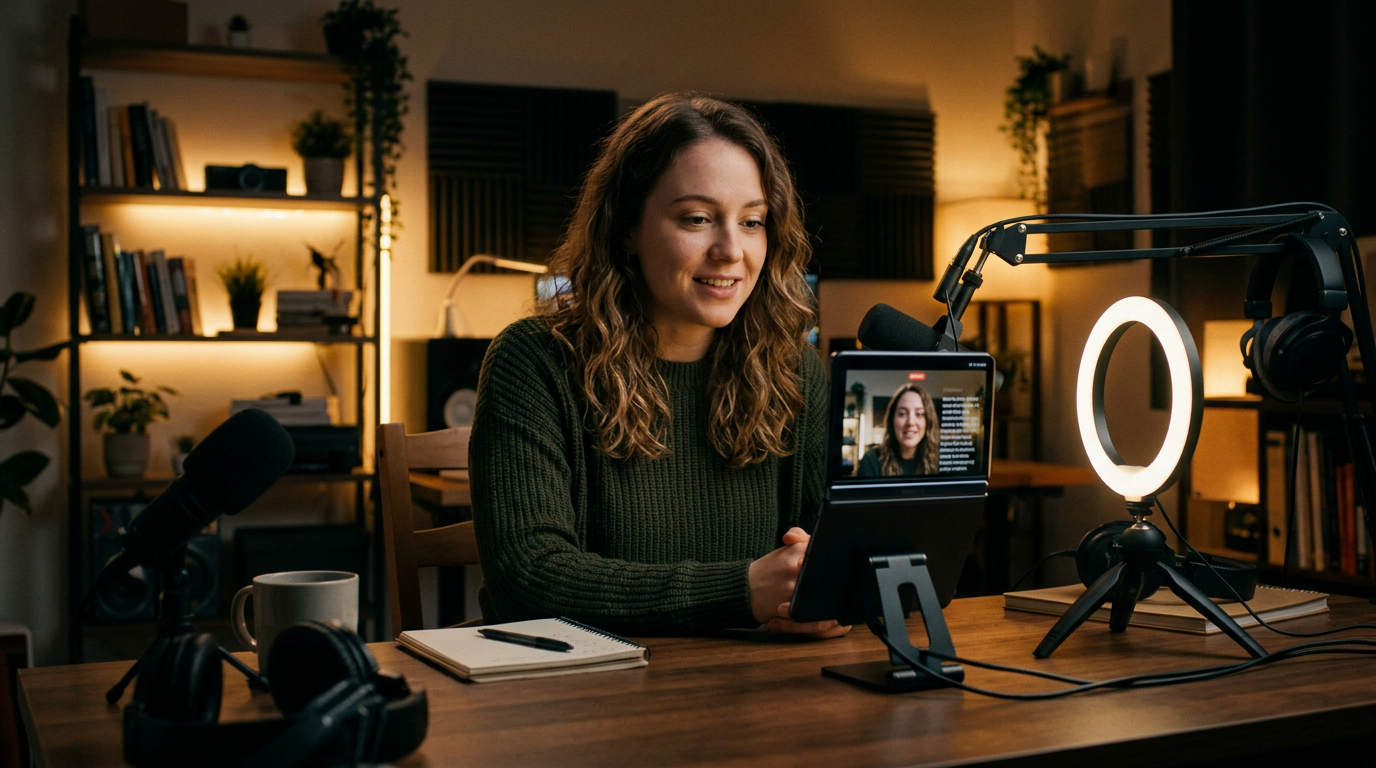
The iPhone Duo is one of the easiest phones to film yourself with. It stands on its own in tabletop posture, and the outer display lets you frame a shot with the better rear cameras. These are the 6 apps that make the most of that. For the camera side, read how to film yourself with the rear camera.
How well a third-party app uses the Duo's 7.6-inch inner display depends on whether its developer has updated the layout for the fold. Apps that are not updated can show black bars in Split View. For the screen sizes involved, see our screen size guide.
1. PromptSlate Studio: best for iPhone Duo, overall
Our app, built for exactly this. PromptSlate Studio puts the camera preview, recording controls and your script on one screen, and rearranges them for the expanded, tabletop and compact postures. In tabletop posture the Duo stands on its own and the script scrolls just below the lens, so your eyes stay close to the camera. You can also read the script from the outer display while filming with the rear cameras (how we built it). Every take is saved with its script. It is in final development for iOS 27.1 and will be a $9.99 one-time purchase, with no subscription.
See PromptSlate Studio for iPhone Duo
2. Apple Camera: best for quick, high-quality clips
The built-in Camera app records up to 4K at 120 fps in Dolby Vision on the rear cameras, and it handles Dual Capture for front and back at once. See how Dual Capture works.
3. Blackmagic Camera: best for locked exposure and pro formats
Free, with manual exposure, focus and white balance, so your image does not shift every time you move. It also records Apple Log and ProRes on supported iPhones.
4. Final Cut Camera: best for Apple's free pro option
Apple's Final Cut Camera adds manual video controls and works as a multicam angle for Final Cut Pro for iPad.
5. BIGVU: best for teleprompter plus captions
BIGVU combines a teleprompter with captions and simple editing, aimed at business and social video. It is subscription based.
6. Captions: best for AI captions and eye contact
Captions adds animated subtitles and AI editing tools, including an eye-contact correction feature. It has a free tier and a subscription.
The bottom line
For most people, PromptSlate Studio handles the script and the recording, Blackmagic Camera gives you full control of the image, and Captions adds subtitles before you post.
More iPhone Duo app guides
From the maker
Get PromptSlate Studio on the App Store
Write, prompt and record in one focused workspace. Out now — $9.99 one-time, no subscription. Every download supports independent development of new apps.
See PromptSlate Studio details · Also in the works: DuoSketch
Spotted something to fix, or an app we should cover?
This article is independent research, cross-checked against Apple's developer documentation. If something's out of date, or you know an app that deserves a look, let us know — and if you're building for iPhone Duo yourself, we're happy to talk.
hola@ayudantedigital.es