8 best vlogging apps for iPhone Duo
The 8 best vlogging apps for iPhone Duo: shoot, script, edit and caption vlogs on a phone that stands on its own and shows the edit on a bigger screen.
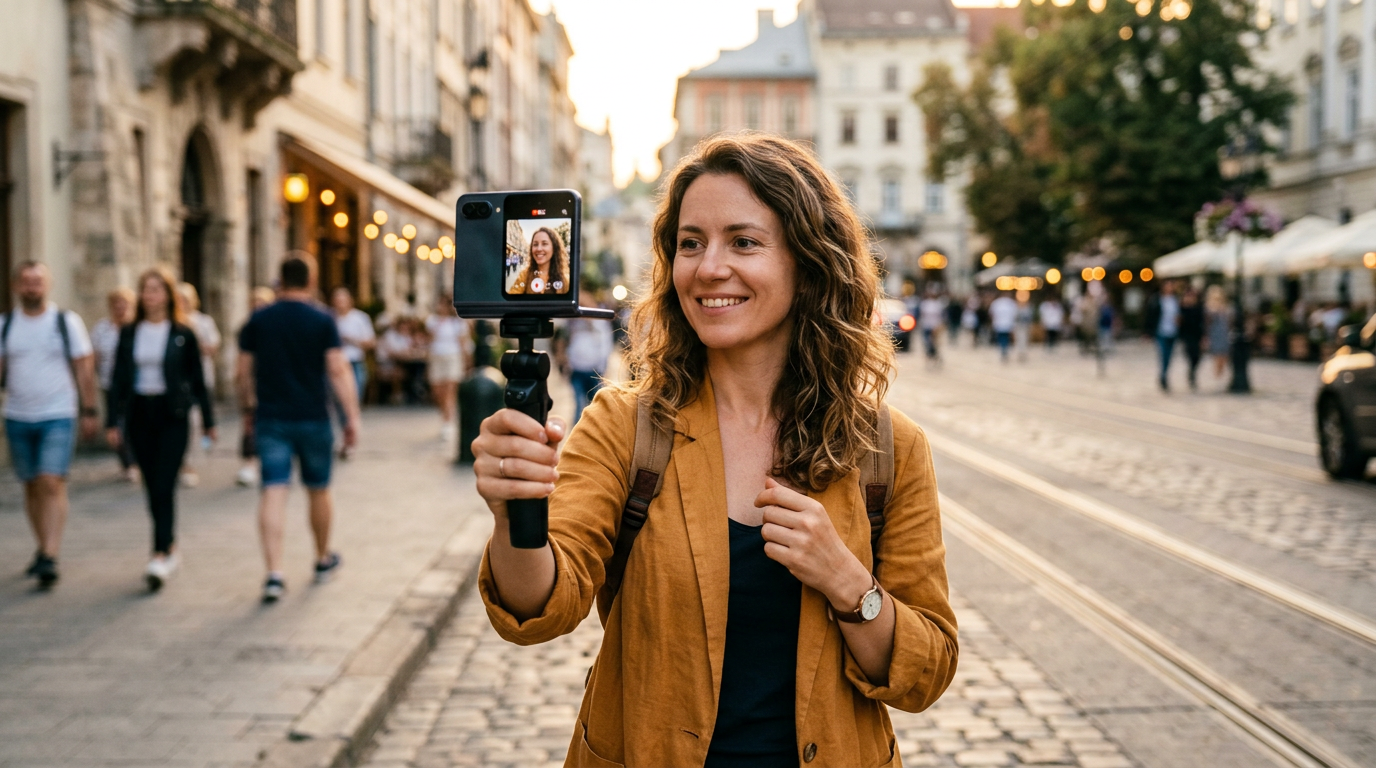
Vlogging on an iPhone Duo is about two things: the phone can stand on its own for sit-down segments, and the inner display makes editing on the go much more comfortable. These 8 apps cover the whole process, from filming to posting. For hardware tips, see our creator setup guide.
How well a third-party app uses the Duo's 7.6-inch inner display depends on whether its developer has updated the layout for the fold. Apps that are not updated can show black bars in Split View. For the screen sizes involved, see our screen size guide.
1. Blackmagic Camera: best for filming
Free, with manual exposure and white balance so the image stays consistent as you move between indoors and outdoors.
2. PromptSlate Studio: best for sit-down segments and intros
Our app. Most vlogs mix handheld clips with sit-down moments: the intro, the explanation, the wrap-up. Those are the parts people restart five times. PromptSlate Studio keeps your talking points scrolling next to the camera, with the Duo standing on its own in tabletop posture, so you get them in one take. Why the scroll speed stays steady. It is in final development for iOS 27.1 and will be a $9.99 one-time purchase, with no subscription.
See PromptSlate Studio for iPhone Duo
3. VLLO: best for vlog-style editing
VLLO is an editor made for vlogs, with stickers, text, background music and transitions. It is free to start, with paid extras.
4. VN Video Editor: best for free, no watermark
VN has a multitrack timeline, keyframes and speed curves, free and with no watermark.
5. CapCut: best for trends and templates
CapCut has templates, auto captions and effects tuned for short-form video. It is free, with a Pro subscription. More in our TikTok and Reels list.
6. Edits: best for Instagram creators
Instagram's Edits app is a free editor with a timeline, captions and exports without a watermark, made for Reels.
7. Captions: best for subtitles
Captions adds animated subtitles and AI editing tools. It has a free tier and a subscription.
8. Adobe Premiere: best for longer YouTube vlogs
A free multitrack editor that exports with no watermark. The wider inner display shows more of the timeline. See our video editing list.
The bottom line
Shoot with Blackmagic Camera, record the talking parts in PromptSlate Studio, edit in VN or VLLO, and add subtitles in Captions before you post.
More iPhone Duo app guides
From the maker
Get PromptSlate Studio on the App Store
Write, prompt and record in one focused workspace. Out now — $9.99 one-time, no subscription. Every download supports independent development of new apps.
See PromptSlate Studio details · Also in the works: DuoSketch
Spotted something to fix, or an app we should cover?
This article is independent research, cross-checked against Apple's developer documentation. If something's out of date, or you know an app that deserves a look, let us know — and if you're building for iPhone Duo yourself, we're happy to talk.
hola@ayudantedigital.es