7 best widget and home screen apps for iPhone Duo
The 7 best widget and home screen apps for iPhone Duo, to customize both the inner and outer display with custom widgets, icons and shortcuts.
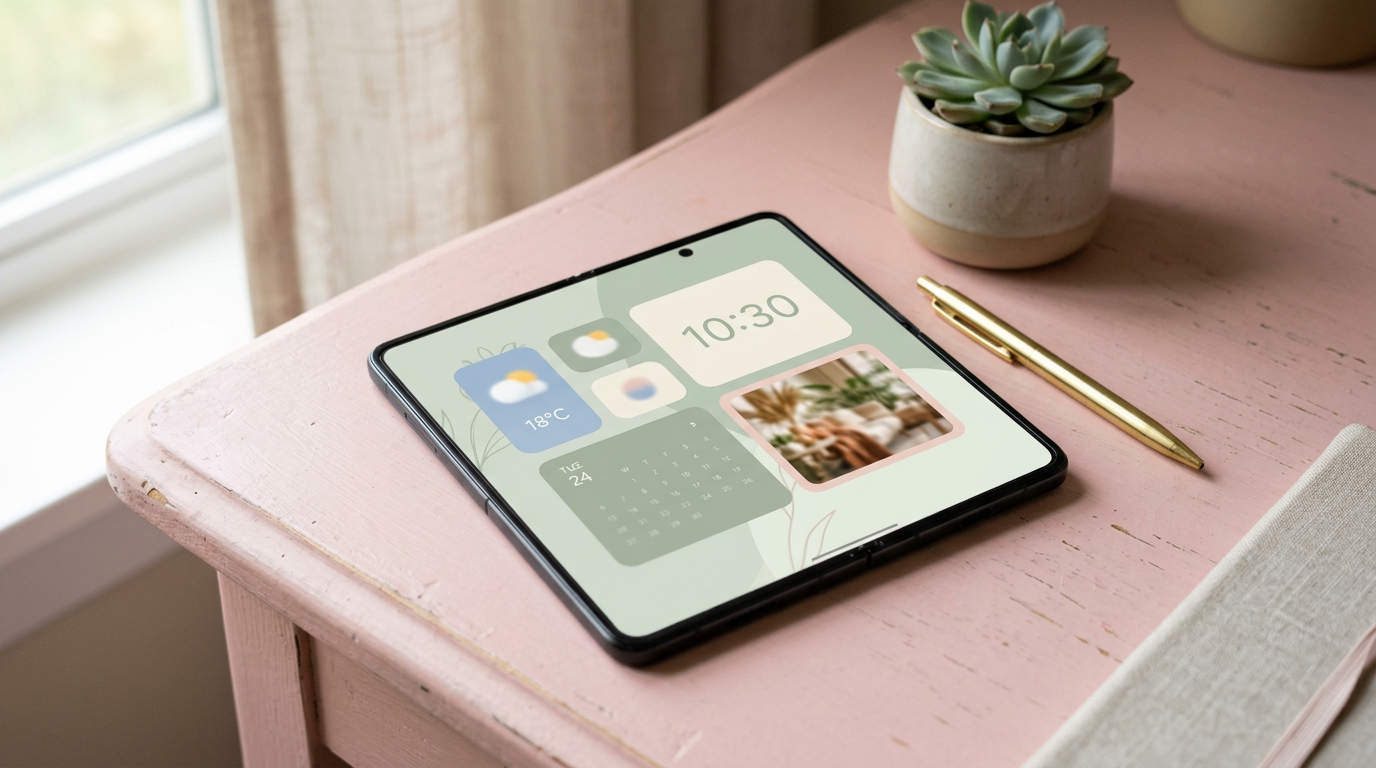
The iPhone Duo has two home screens to set up: a compact one on the 5.4-inch outer display and a much roomier one inside. Widgets matter more here than on a normal phone, because the inner display fits large widgets without pushing your apps off the page. These 7 apps help you make the most of it. For the bedside view, read how StandBy works on iPhone Duo.
1. Widgetsmith: best for custom widgets
Widgetsmith creates calendar, weather, photo, clock and health widgets in your choice of fonts and colors. It is free, with a premium subscription for extra styles and weather data.
2. Color Widgets: best for a matching look
Color Widgets offers themed widgets and icon packs so the whole home screen looks consistent. It has a free tier and in-app purchases.
3. Widgy: best for building widgets from scratch
Widgy is a widget editor for people who want full control, with layers, data sources and shared templates from other users.
4. Top Widgets: best for ready-made themes
Top Widgets includes many ready-made widget themes and icon sets. It has a free version and a paid upgrade.
5. Shortcuts: best for custom icons and one-tap actions
Apple's free Shortcuts app runs multi-step actions from your home screen, and can be used to create custom app icons. On the Duo, a shortcut can open two apps in Split View.
6. CARROT Weather: best for a weather widget with personality
CARROT Weather has detailed, customizable widgets and a sarcastic forecast voice you can tone down. It is subscription based.
7. Fantastical: best for calendar widgets
Fantastical's widgets show upcoming events and tasks together, and its larger widgets fit well on the inner display.
Bonus: PromptSlate Studio, a one-tap record button
Bonus: our app. PromptSlate Studio is not a widget app. But if you film yourself often, put it in your dock or on your first home screen, so a single tap opens your script and camera together. It is in final development for iOS 27.1 and will be a $9.99 one-time purchase, with no subscription. See how it uses the outer display.
See PromptSlate Studio for iPhone Duo
The bottom line
Use Widgetsmith or Color Widgets for the look, Shortcuts for one-tap actions, and keep the outer display simple, with only the widgets you check several times a day.
More iPhone Duo app guides
From the maker
Get PromptSlate Studio on the App Store
Write, prompt and record in one focused workspace. Out now — $9.99 one-time, no subscription. Every download supports independent development of new apps.
See PromptSlate Studio details · Also in the works: DuoSketch
Spotted something to fix, or an app we should cover?
This article is independent research, cross-checked against Apple's developer documentation. If something's out of date, or you know an app that deserves a look, let us know — and if you're building for iPhone Duo yourself, we're happy to talk.
hola@ayudantedigital.es