iOS 27 Interactive Resizing on iPhone Duo: A Developer’s Guide
Learn how iOS 27.1 changes window geometry on iPhone Duo, when to defer expensive work, and how to build interfaces that stay fluid while users resize them.
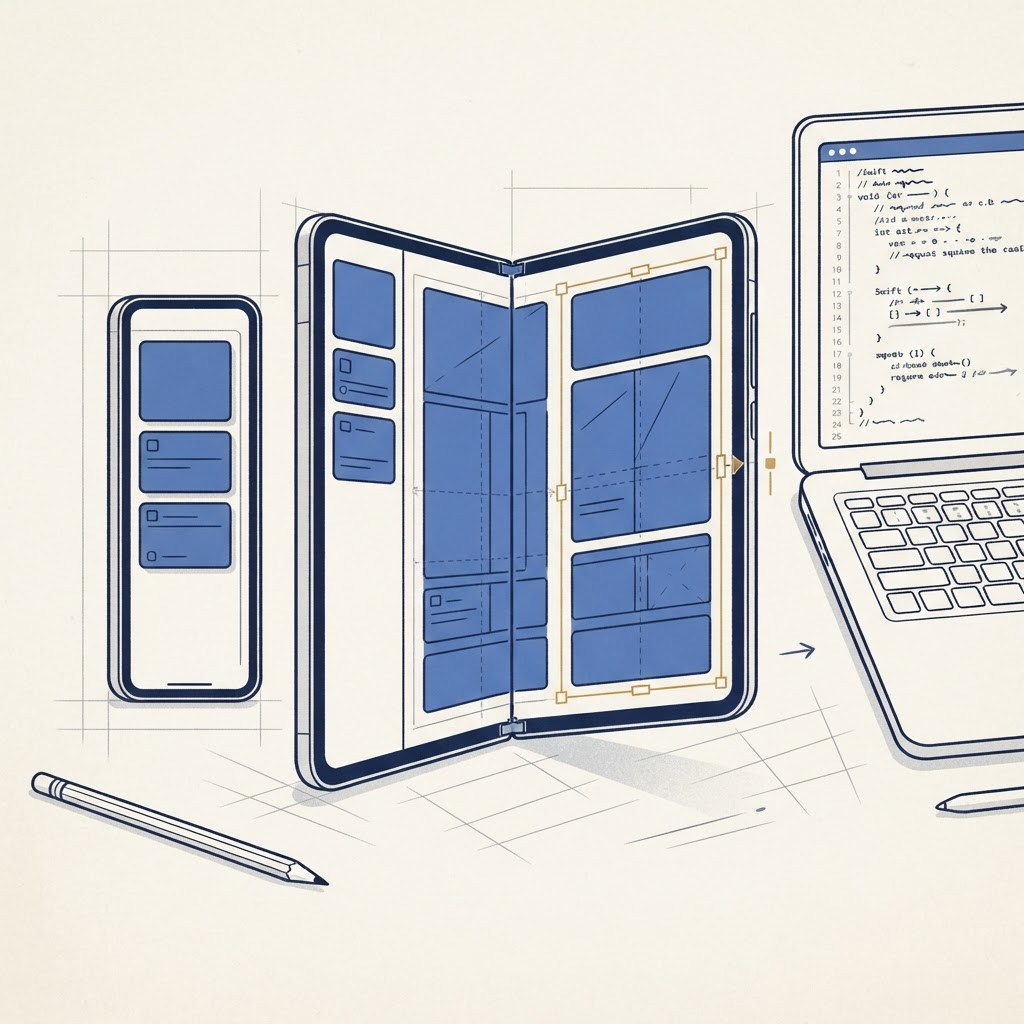
That makes interactive resizing a first-class performance and design problem. An interface that looks correct after rotation may still hitch, flash, or rebuild too much while its available space changes continuously.
The geometry event that matters
UIKit developers should respond to scene geometry rather than reading a global screen size. The scene delegate callback windowScene(_:didUpdateEffectiveGeometry:) lets an app inspect the current effective geometry and compare it with the previous state.
The key signal is windowScene.effectiveGeometry.isInteractivelyResizing. While it is true, favor inexpensive layout responses. When it becomes false, perform work that depends on the final size.
```swift func windowScene( _ windowScene: UIWindowScene, didUpdateEffectiveGeometry previousGeometry: UIWindowScene.Geometry ) { let geometry = windowScene.effectiveGeometry
if geometry.isInteractivelyResizing { imagePipeline.pauseHighResolutionUpgrades() } else { imagePipeline.resumeForFinalViewport(geometry.coordinateSpace.bounds.size) } } ```
The exact work will differ by app. A document editor might wait before repaginating hundreds of pages. A game might delay selecting a new texture tier. A charting app can redraw axes cheaply during the gesture, then calculate labels once the final width settles.
Layout continuously, compute selectively
Do not freeze the entire interface during resizing. Standard Auto Layout and SwiftUI layout should continue to respond so the window feels attached to the user’s gesture. Defer only expensive secondary work:
- high-resolution image decoding;
- database-backed recomputation;
- complex chart labels;
- camera pipeline reconfiguration;
- pagination and syntax highlighting;
- network requests triggered by breakpoint changes.
This distinction is essential. A frozen app feels broken, while an app that recomputes everything for every pixel feels slow.
Stop treating breakpoints as device identities
Avoid code such as “if this is iPhone Duo, show two columns.” Ask what the current window can support. A practical model is to define capability thresholds: enough width for a sidebar, enough height for an inspector, or enough area for a persistent preview.
SwiftUI’s adaptive containers and environment values are a better foundation than hardware-name checks. UIKit teams should combine scene geometry, trait collections, and content priorities. Our SwiftUI size-class guide explains why space-based decisions age better than model detection.
Test the awkward middle widths
Most bugs are not at fully closed or fully open sizes. They appear between polished screenshots: a toolbar title wraps, a modal becomes too wide, or a horizontal stack loses its final button.
Build a small test matrix around content pressure:
- Long English titles and Dynamic Type.
- A keyboard visible during resizing.
- Sheets, popovers, and menus near a transition.
- Media playback that should not restart.
- Navigation state preserved across size changes.
- Reduced Motion and VoiceOver enabled.
Use the simulator’s resizable presentations, but keep unit and snapshot tests focused on representative widths rather than a single device preset.
Preserve state before chasing polish
A fold-aware app should not reset a draft, scroll position, selected item, video timestamp, or in-progress purchase merely because the window changed. Keep user state above the presentation layer. In SwiftUI, avoid tying durable state to a view branch that disappears at a breakpoint. In UIKit, do not rebuild the navigation hierarchy whenever geometry updates.
If you are still relying on a single application-wide window, modernize the lifecycle first with our UIKit and UIScene guide. Geometry handling becomes much clearer once every window has an explicit scene.
Performance instrumentation
Add signposts around resizing-sensitive work and inspect the main thread in Instruments. Record the window size and resizing state with layout-error telemetry, but avoid collecting content or personally identifying information. Our guide to analytics for foldable layout bugs outlines a privacy-conscious event model.
The goal is simple: cheap visual continuity during the gesture, accurate high-quality output after it. Teams that make that separation early will produce apps that feel native on iPhone Duo instead of merely fitting its screen.
From the maker
Try DuoCreator on iPhone Duo
Script, camera, and a voice-following teleprompter on the two screens of iPhone Duo. $9.99 one-time at launch. Signing up supports independent development of new apps and technologies for iPhone Duo.
See DuoCreator details · Also in the works: DuoSketch
Spotted something to fix, or an app we should cover?
This article is independent research, cross-checked against Apple's developer documentation. If something's out of date, or you know an app that deserves a look, let us know — and if you're building for iPhone Duo yourself, we're happy to talk.
hola@ayudantedigital.es