Hands-free FaceTime calls on iPhone Duo: Duo FaceTime and Center Stage
Stand iPhone Duo up, let Center Stage frame you, and invite people nearby into the call with Duo FaceTime.
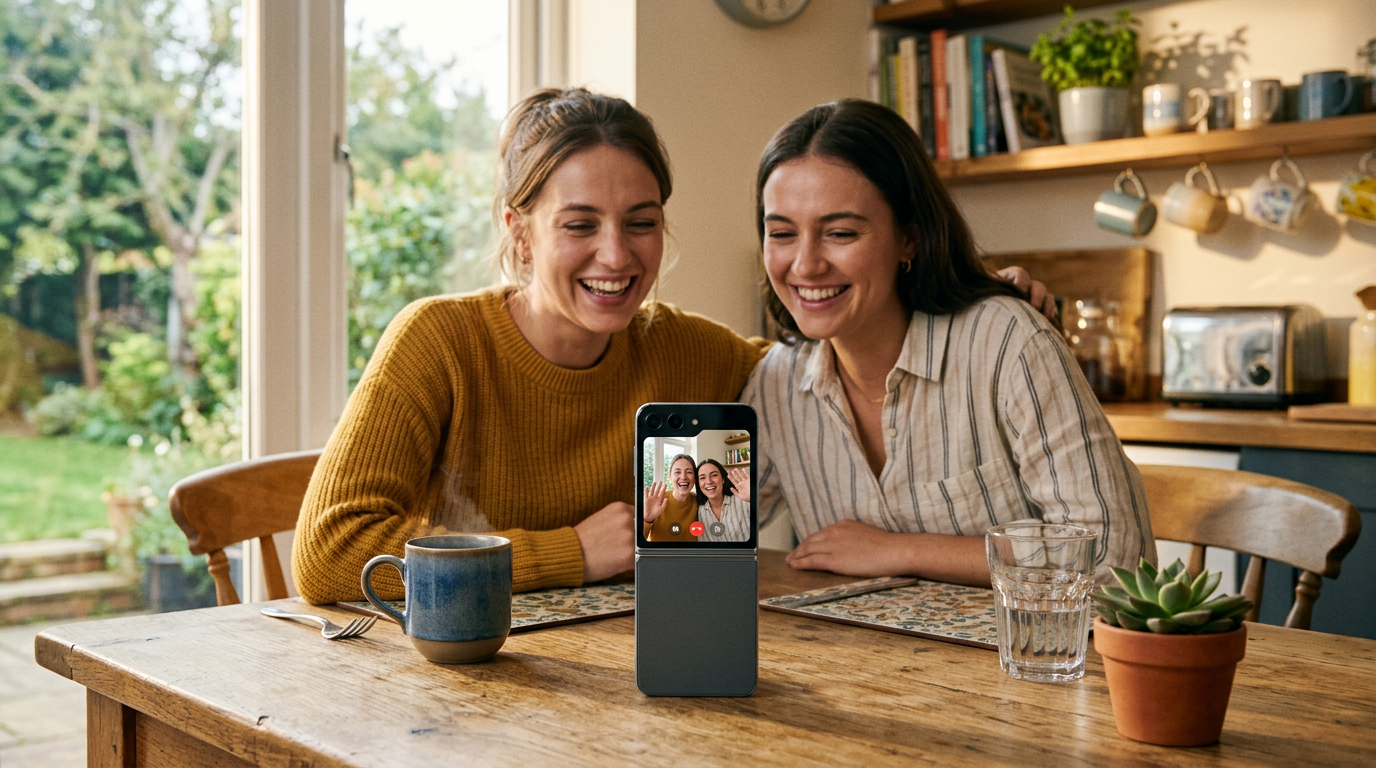
iPhone Duo can stand on its own, so Apple pitches it as the first iPhone where you take FaceTime calls without holding the phone at all.
Duo FaceTime
Duo FaceTime lets nearby friends join the call on the outer display. Instead of everyone crowding around one screen or passing the phone, the people in the room can see the call too.
Which camera you appear on
- Inner display: the under-display FaceTime camera, f/1.8, 1080p at 30 or 60 fps, with Edge Light for video calls and Center Stage.
- Outer display: the 12MP Center Stage front camera.
- Rear cameras: FaceTime supports zoom with the rear-facing camera, which is ideal when you want to show something rather than your face.
Center Stage
Center Stage keeps you in frame as you move and fits more people in automatically. In a half-folded pose on a table, it does the job a camera operator would.
Better call audio
FaceTime on iPhone Duo supports Voice Isolation and Wide Spectrum microphone modes plus Spatial Audio. Use Voice Isolation in noisy rooms and Wide Spectrum when you want everyone around the phone to be heard. Our audio recording guide covers the microphones in detail.
Setup in four steps
- Half-fold iPhone Duo on a table at eye level, or slightly below.
- Start the call on the inner display to see everyone big.
- Turn on Center Stage from the video effects in Control Center.
- Switch to Duo FaceTime if people in the room want to join on the outer screen.
FaceTime HD at 1080p works over 5G or Wi-Fi. For StandBy and other self-standing uses see our StandBy guide.
Recording on iPhone Duo? Try PromptSlate Studio
If your calls are really recordings in disguise, try PromptSlate Studio: the same self-standing setup, plus your script on screen and one-tap recording. See PromptSlate Studio for iPhone Duo.
Related iPhone Duo guides
From the maker
Get PromptSlate Studio on the App Store
Write, prompt and record in one focused workspace. Out now — $9.99 one-time, no subscription. Every download supports independent development of new apps.
See PromptSlate Studio details · Also in the works: DuoSketch
Spotted something to fix, or an app we should cover?
This article is independent research, cross-checked against Apple's developer documentation. If something's out of date, or you know an app that deserves a look, let us know — and if you're building for iPhone Duo yourself, we're happy to talk.
hola@ayudantedigital.es