Traveling With iPhone Duo: Maps, Boarding Passes, eSIM, and Battery
A travel setup that keeps itineraries, maps, passes, translation, eSIM, and battery backups available when connectivity fails.
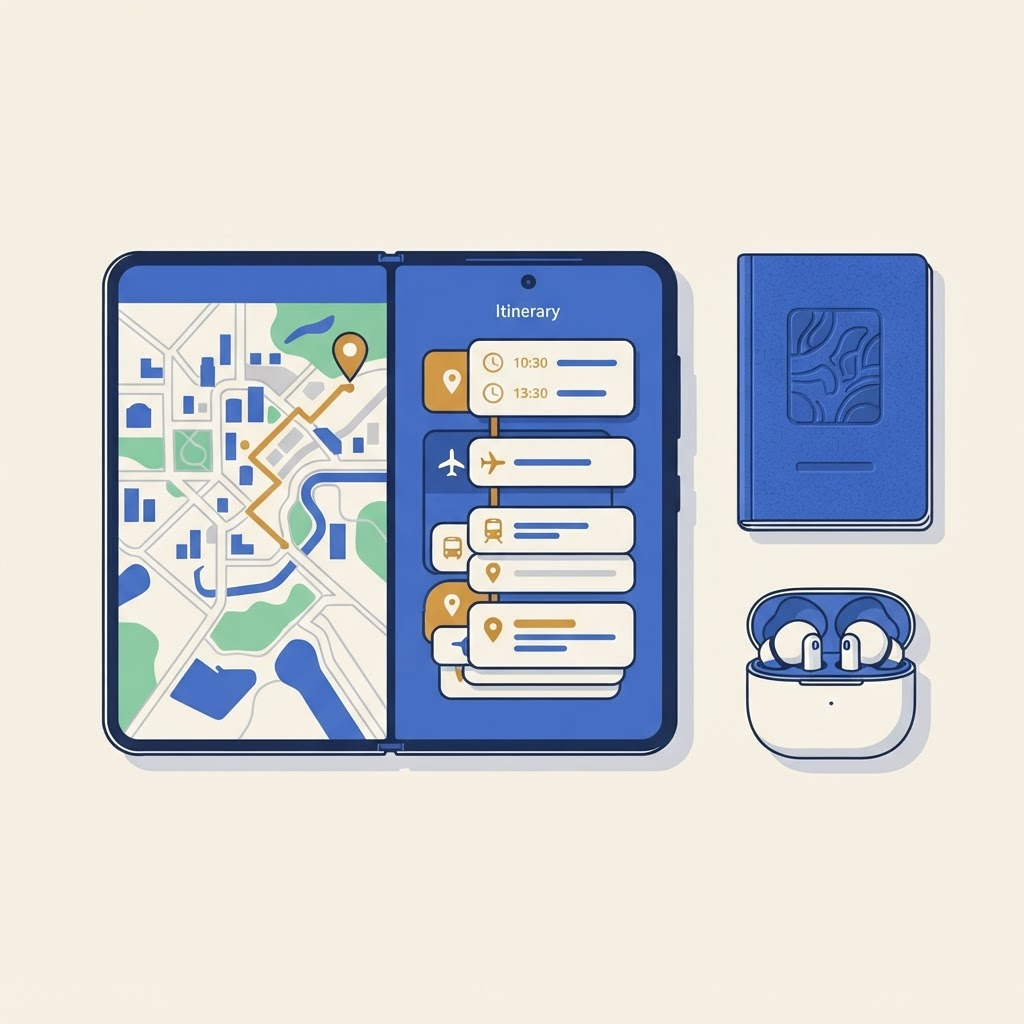
Prepare before departure
Download offline maps, airline apps, translation languages and entertainment. Save booking references in a secure offline note and add boarding passes to Wallet where supported. Carry a compact battery and cable.
Use two panes deliberately
Useful pairs include map plus itinerary, translation plus notes, and airline app plus calendar. Keep the boarding pass on the outer display for fast scanning; unfold for planning. Our Split View workflows are a starting point.
eSIM backup
Install and test travel data before leaving reliable Wi-Fi. Keep your home line available if you need SMS verification. Read our eSIM guide before moving your main number.
Protect the device
Sand, crowded security trays and objects trapped between displays are avoidable risks. Use a case appropriate to the trip and never store a passport or card inside the fold unless an accessory safely allows it. See our case guide.
A good travel setup has redundancy: offline copies, power, and a second way to reach accounts. The larger display improves planning, but preparation makes the phone dependable.
From the maker
Get PromptSlate Studio on the App Store
Write, prompt and record in one focused workspace. Out now — $9.99 one-time, no subscription. Every download supports independent development of new apps.
See PromptSlate Studio details · Also in the works: DuoSketch
Spotted something to fix, or an app we should cover?
This article is independent research, cross-checked against Apple's developer documentation. If something's out of date, or you know an app that deserves a look, let us know — and if you're building for iPhone Duo yourself, we're happy to talk.
hola@ayudantedigital.es