Building DuoCreator — Part 10: What Xcode 27.1 and iOS 27.1 Mean Before Shipping for iPhone Duo
A 10-point pre-ship checklist separating what Apple has confirmed for iPhone Duo, what the simulator shows, and what still needs real-device testing.
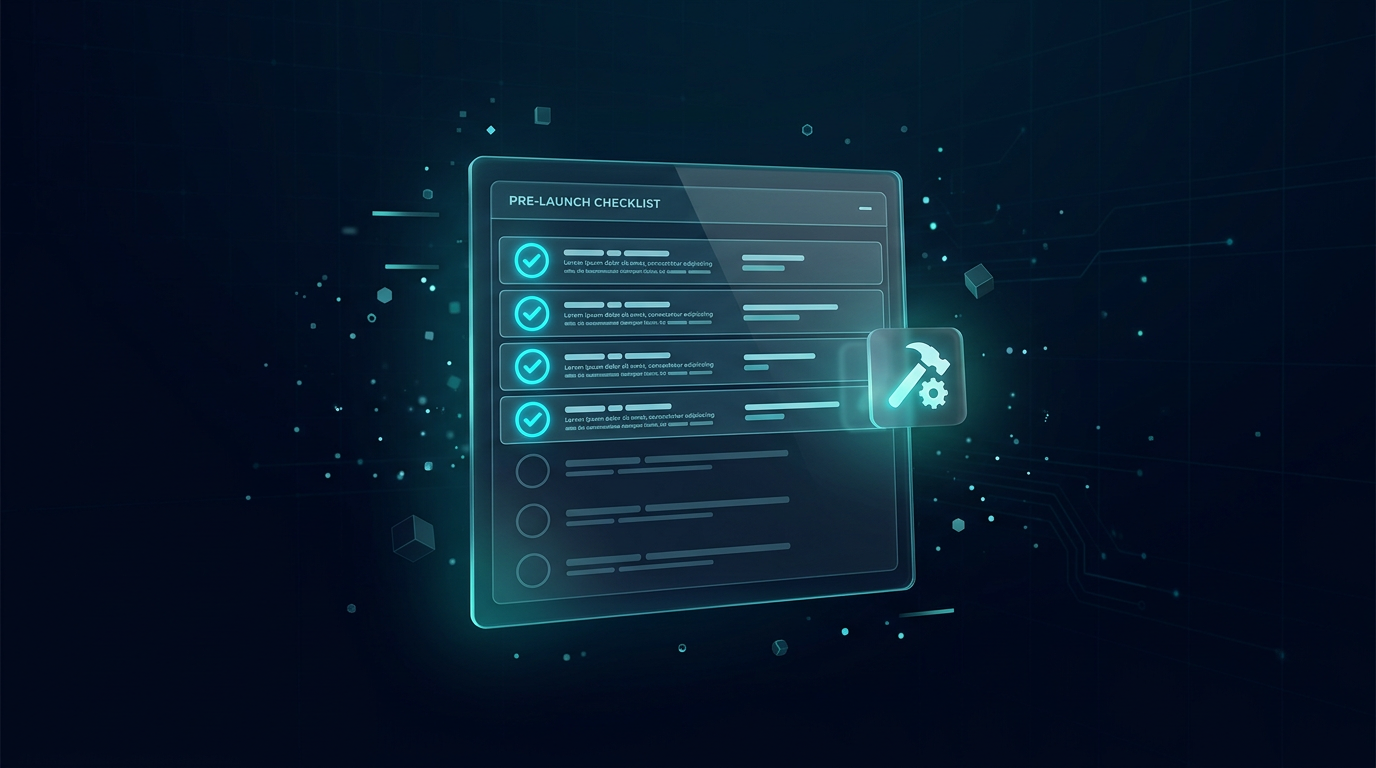
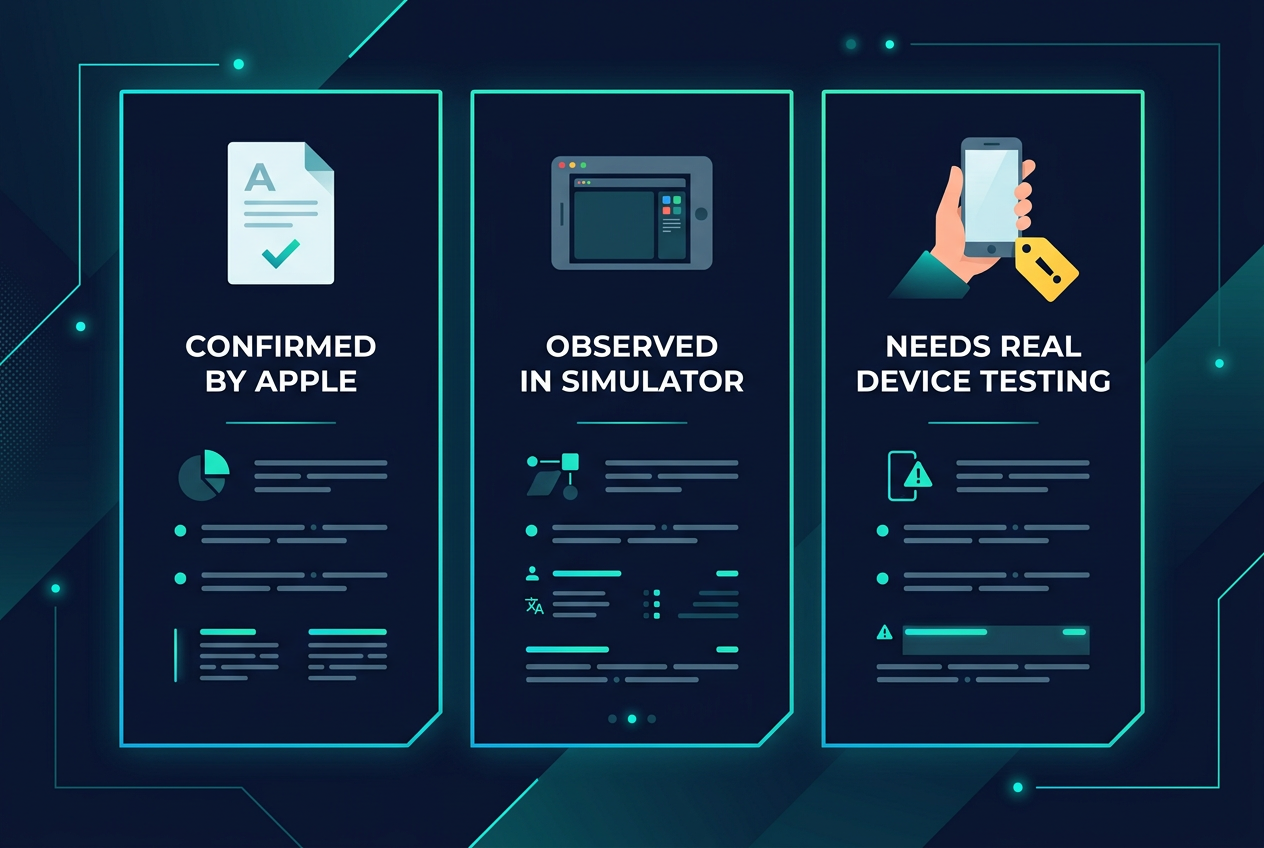
The easiest mistake when building for unreleased or just-announced hardware is to mix three categories together: what Apple has documented, what the simulator appears to do, and what your product hopes the final hardware will do.
For DuoCreator I want those categories to stay separate.
This final article in the first series is my current shipping checklist.
What Apple has confirmed for developers
Apple now has a dedicated "Get ready for iPhone Duo" developer hub and Human Interface Guidelines for designing for the device.
Apple describes iPhone Duo as having two displays joined by a hinge and provides guidance around poses, adaptable layouts and multiple-display experiences.
For development, Apple points developers to Xcode 27.1 beta for iPhone Duo SDK and simulator support.
Apple's Xcode 27.1 beta release notes say it includes Swift 6.4 and the iOS 27.1 SDK and requires macOS Tahoe 26.6 or later.
Those are platform facts I am comfortable building documentation around.
The APIs DuoCreator is actually using
The current project is not merely a mockup of a foldable UI.
It uses Apple's new hinge APIs through onHingeChange and DeviceHinge.
It queries reserved division regions when composing tabletop layouts.
It uses CameraCaptureAccessory for an outer teleprompter surface during camera capture.
Those APIs are particularly relevant because Apple currently labels the hinge and camera-accessory documentation as beta. I expect to retest them as the SDK moves toward final software.
Xcode 27.1 beta has Duo-specific limitations
Apple's release notes list known issues for the iPhone Duo Simulator runtime, including unavailable StandBy and limitations around running/debugging most app extensions.
That is a useful reminder: a simulator is a development environment, not proof that every physical interaction is correct.
For DuoCreator, simulator work is excellent for layout, state transitions and basic integration. Camera ergonomics, outer-display readability, thermal behavior, microphone behavior and physical tabletop positioning ultimately need real-device testing.
A compatibility boundary
I don't want DuoCreator's entire codebase tied to beta-only concepts.
The device-specific integration is intentionally concentrated in places such as the layout observer/policy and scene accessory.
The AVFoundation camera engine, teleprompter clock, project storage and script models remain understandable without a hinge.
That reduces risk if an API signature or behavior changes before final release.
My current pre-ship checklist
### 1. Pose transitions
Test compact, fully open and partially open states repeatedly.
Verify that changing pose does not reset the teleprompter, recreate project state or interrupt a recording.
### 2. Division-aware layout
Verify important controls never sit under a physical division or reserved region.
Test larger Dynamic Type and localized strings, not just the English mockup.
### 3. Camera lifecycle
Test camera/microphone permission denial, returning from Settings, background/foreground behavior, storage exhaustion, repeated start/stop and unsupported camera capabilities.
### 4. Recording integrity
Record short and long takes. Interrupt the app. Verify successful takes are moved into project storage and failed takes do not become misleading project records.
### 5. Teleprompter timing
Test different display conditions and confirm that perceived scroll speed is time-based rather than dependent on callback frequency. Test seek, restart, countdown and script directions.
### 6. Voice Follow
Test accents, repeated phrases, pauses and intentional deviations from the script. The follower should avoid dramatic incorrect jumps and the fixed-speed teleprompter must remain a reliable fallback.
### 7. Outer camera accessory
Verify actual availability rules on shipping software. Check reading distance, text size and whether the creator-facing presentation remains useful in realistic recording positions.
### 8. Foundation Models
Apple says the on-device model changes with iOS 27, so rerun a prompt regression set. Verify availability handling on devices where Apple Intelligence is unavailable or not ready.
### 9. Vision context
Test images with no text, noisy text, misleading classifications and products where visual labels are ambiguous. Make sure uncertainty does not become a factual claim in generated scripts.
### 10. Performance and heat
A creator app can simultaneously run camera preview, video encoding, audio metering, teleprompter animation and optional speech features. That needs Instruments and real-device observation, not assumptions.
Xcode itself is changing too
Xcode 27 introduces Swift 6.4 and a new generation of developer tooling. Apple also continues expanding coding intelligence and debugging capabilities.
I am interested in those tools, but I don't want this series to turn into "AI wrote my app."
The architecture and product decisions still matter: what owns capture, how files move, what happens when permissions fail, what the hinge means to the interface, and what happens when an intelligent feature is unavailable.
Tools can accelerate implementation. They do not remove those decisions.
The product question
After all the APIs, the question I keep returning to is simple: does DuoCreator become meaningfully better because the phone folds?
For me, the answer has to come from workflows rather than novelty.
A tabletop pose that reduces the need for a stand. A script placed where the creator can actually read it. Controls separated from the viewing surface. An outer teleprompter during capture. One continuous project from idea to script to take.
Those are the things I want to validate on real hardware.
This first ten-part series documents the foundation. The next stage is less about architecture and more about refinement: actual Duo testing, performance, App Store preparation, creator workflows and the differences between a convincing concept render and a product people can trust for a real recording.
That is the standard I want DuoCreator to meet.
Follow or support the development of DuoCreator
DuoCreator is an independent project currently in development. This series documents the real engineering work behind the app as it evolves toward release.
If you represent a company and would like to sponsor DuoCreator, collaborate on the project, explore an integration, provide hardware or services for testing, or discuss another form of partnership, contact us at hola@ayudantedigital.es.
We're especially interested in collaborations that genuinely add value for creators and the emerging iPhone Duo ecosystem.
Apple references
- Apple Developer — Get ready for iPhone Duo
- Apple Human Interface Guidelines — Designing for iPhone Duo
- Apple Developer — Xcode 27.1 Beta Release Notes
- Apple Developer — Xcode system requirements
- Apple Developer — DeviceHinge
- Apple Developer — CameraCaptureAccessory
- Apple Developer — Foundation Models / SystemLanguageModel
- Series: Building DuoCreator for iPhone Duo
- Project: AppsForDuo / DuoCreator
- Suggested canonical home: appsforduo.com
Spotted something to fix, or an app we should cover?
This article is independent research, cross-checked against Apple's developer documentation. If something's out of date, or you know an app that deserves a look, let us know — and if you're building for iPhone Duo yourself, we're happy to talk.
hola@ayudantedigital.es