Building DuoCreator — Part 4: A Teleprompter That Doesn't Change Speed with Refresh Rate
Why TeleprompterEngine drives reading position from CADisplayLink elapsed time instead of a fixed points-per-frame offset, and how one engine serves every Duo pose.
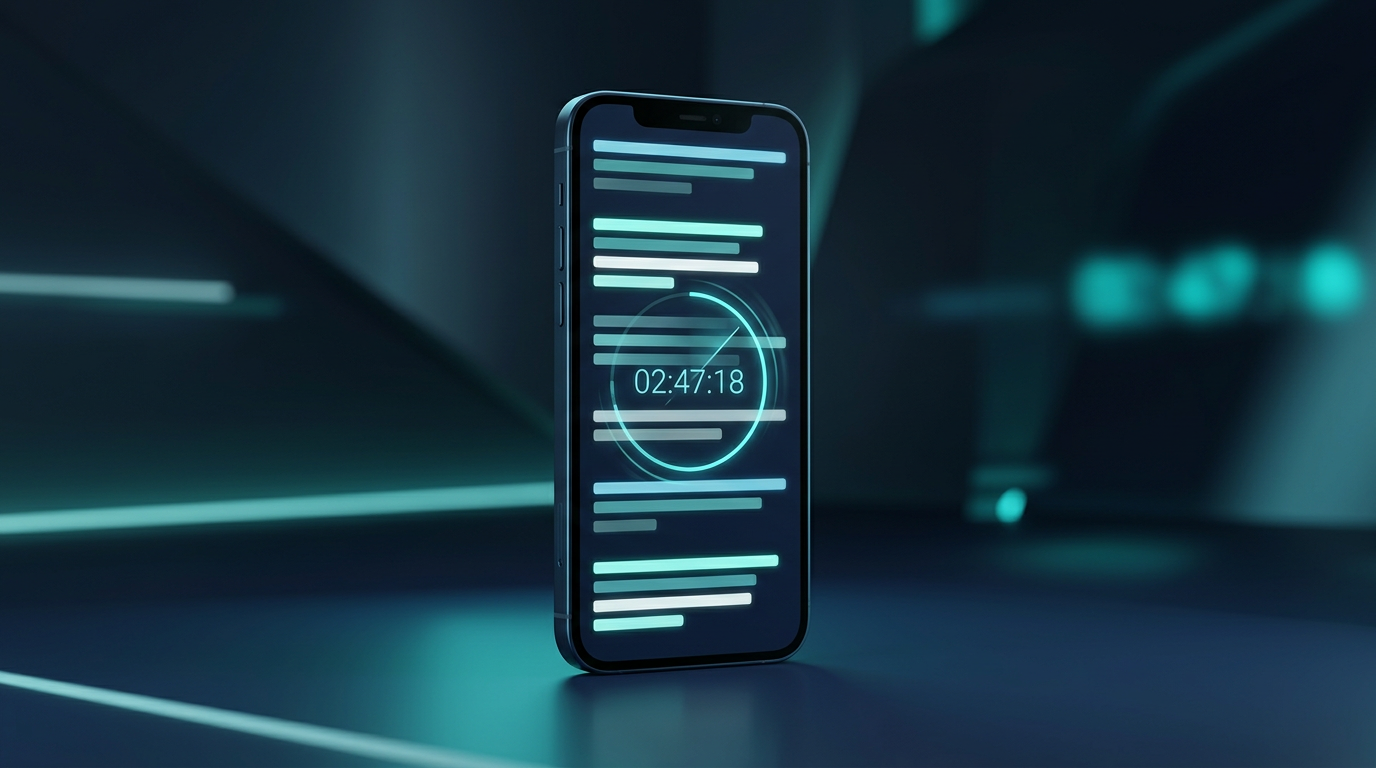
A teleprompter looks simple until you try to make one feel trustworthy.
Put text in a scroll view, move it upward, add a speed slider. Done — until the speed changes with refresh behavior, the app pauses, the user seeks, or the display runs at a different cadence.
DuoCreator's teleprompter engine is deliberately independent from the camera and layout. Its job is to turn time into reading position.
Time, not frames
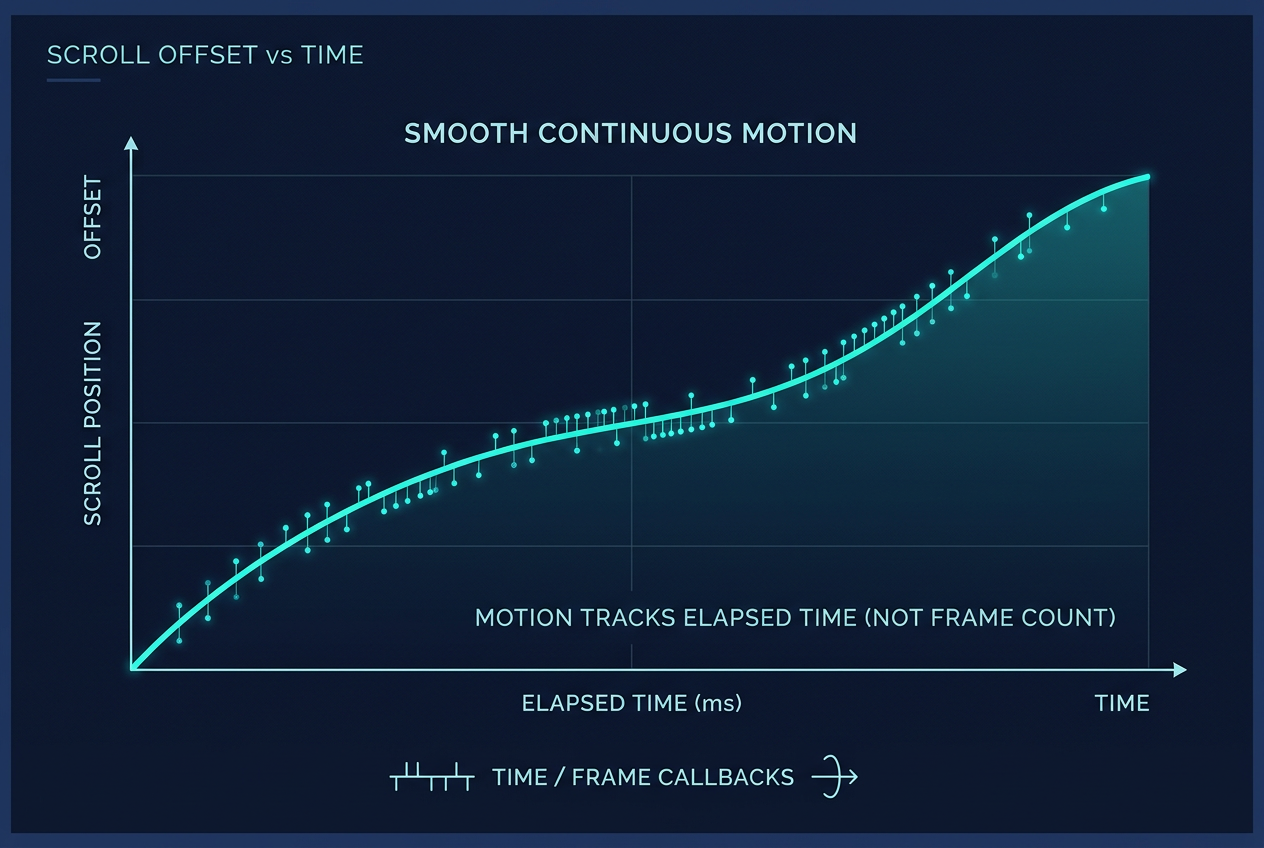
The engine uses CADisplayLink, but it does not increment the offset by a fixed number of points every callback.
Instead it tracks elapsed display timestamps.
Conceptually:
let elapsed = displayLink.timestamp - lastTimestamp
offset += pointsPerSecond * elapsed
That small decision matters. A fixed "2 points per frame" implementation implicitly ties reading speed to frame delivery. A time-based implementation describes what the product actually means: move at a certain visual speed per second.
One engine across every Duo pose
In compact mode the script can overlay the camera preview. In expanded mode it occupies its own panel. In tabletop mode it shares the upper display area with the preview. An outer-display teleprompter can also present the same reading state.
Those are different views of one teleprompter.
I do not want four independent scroll clocks.
The TeleprompterEngine owns state such as playback, countdown, offset, speed, text size, spacing, alignment and reading-line position. Views observe it and render the appropriate composition.
That becomes especially useful when iPhone Duo changes pose. The UI can be rebuilt around the same reading position.
Controls creators actually need
The current engine supports start, countdown, pause, resume, restart, seek, skip, speed adjustment, text size, line spacing, reading width, opacity, alignment, mirroring and reading-line position.
The goal is not to expose every setting at once.
Compact mode should remain camera-first. Expanded and tabletop modes have room for a richer control deck. The engine can support the same features while each layout decides how much interface to reveal.
Stage directions are not spoken words
DuoCreator scripts support bracketed directions such as [PAUSE], [SMILE], [SHOW PRODUCT], [B-ROLL] and [CHANGE SHOT].
The parser renders those differently and excludes them from spoken-word estimates.
That matters for two reasons.
First, a creator should be able to put production instructions directly into the script without pretending they are narration.
Second, duration estimates should represent what will actually be spoken.
This also gives the script-writing assistant a useful convention: it can generate readable spoken paragraphs while keeping non-spoken direction explicitly marked.
Seeking is part of the model
A teleprompter is not just "playing" or "stopped."
Creators restart sentences. They skip forward. Voice Follow may decide that the spoken position has advanced. A user may drag to another part of the script.
So the engine exposes seeking as a first-class operation. Other features can request progress changes without reaching into scroll-view internals.
That is the kind of boundary that becomes useful later, even if it initially looks like extra structure.
Why this matters more on Duo
The foldable form factor makes the teleprompter more central, not less.
When the device can stand partially open, it becomes plausible to record without a separate stand for some scenarios. If the script and camera can occupy the upper viewing surface while transport controls live below, the device starts behaving like a small production tool.
The physical design changes the ergonomics of reading.
That is why I don't want the teleprompter to be an overlay bolted onto a camera. It is one of the core engines of the app.
A useful rule from this implementation
If a UI animation represents a real-world rate, model the real-world rate.
For DuoCreator, "teleprompter speed" means movement over time, not movement per callback.
The same principle applies to recording duration, audio levels and speech progress. The UI should visualize product state; it should not become the source of truth for that state.
Next I will connect the teleprompter to live speech and show how Voice Follow reuses the camera's audio samples rather than opening a second microphone pipeline.
Follow or support the development of DuoCreator
DuoCreator is an independent project currently in development. This series documents the real engineering work behind the app as it evolves toward release.
If you represent a company and would like to sponsor DuoCreator, collaborate on the project, explore an integration, provide hardware or services for testing, or discuss another form of partnership, contact us at hola@ayudantedigital.es.
We're especially interested in collaborations that genuinely add value for creators and the emerging iPhone Duo ecosystem.
Apple references
- Apple Developer — Get ready for iPhone Duo
- Apple Human Interface Guidelines — Designing for iPhone Duo
- Apple Developer — Xcode 27.1 Beta Release Notes
- Apple Developer — Xcode system requirements
- Apple Developer — DeviceHinge
- Apple Developer — CameraCaptureAccessory
- Apple Developer — Foundation Models / SystemLanguageModel
- Series: Building DuoCreator for iPhone Duo
- Project: AppsForDuo / DuoCreator
- Suggested canonical home: appsforduo.com
Spotted something to fix, or an app we should cover?
This article is independent research, cross-checked against Apple's developer documentation. If something's out of date, or you know an app that deserves a look, let us know — and if you're building for iPhone Duo yourself, we're happy to talk.
hola@ayudantedigital.es